Didn't find what you were looking for?

New post
Bungie Answered

Lag and Disconnection

I've been experiencing constant lag and connection drops for two days while playing. I play on PS5, and the console is connected to the internet via Ethernet cable. I've tried restarting everything and even deleting and reinstalling the game. Each time I'm kicked from a match, I get a different error code. I've tested the connection with other games, and everything works perfectly; this only happens with Marathon.
0

Comments

2 comments
  • Official comment

    Hi there,

    Thanks for reaching out.

    In order to best assist you, could you let us know what error codes have been appearing? Also, is an icon appearing the top right corner of the screen while playing? If there is one, please grab a screenshot.

    In the meantime, here are suggestions that may help with your network issue:

    • Please review our Network Troubleshooting Guide for best optimizing your connection to Marathon.
    • Our Network Setup guide provides recommendations and internet connection requirements.
    • We offer troubleshooting steps in our Error Code guide for those receiving the same or several error codes.
    • To best optimize your connection and improve your latency and packet loss, please view our Optimzing Connections guide.
    • You may need to power cycle your router or modem by following the device manufacturer's recommendations.
    • There can be common network hardware issues that interfere with each other. Please view our guide for troubleshooting steps.
    • It's also possible that you need to enable IPV6 or IPv4 on your device, too.
    • If you still experience issues after going through the troubleshooting steps above, you may need to adjust your router's or modem's settings. Please review our Advanced Networking Steps guide for other possible solutions, such as enabling UPnP, changing your NAT type, or opening up specific ports.
    • It may be beneficial to clear your platform cache: you can do this by following the steps outlined inside each platform's section in our support article.
    • You may need to quit all other apps on your PC or console when playing Marathon, including turning off other connected devices that are streaming media.
  • Code error baboon, code error worm, code error anteater.

    I have two red icon.
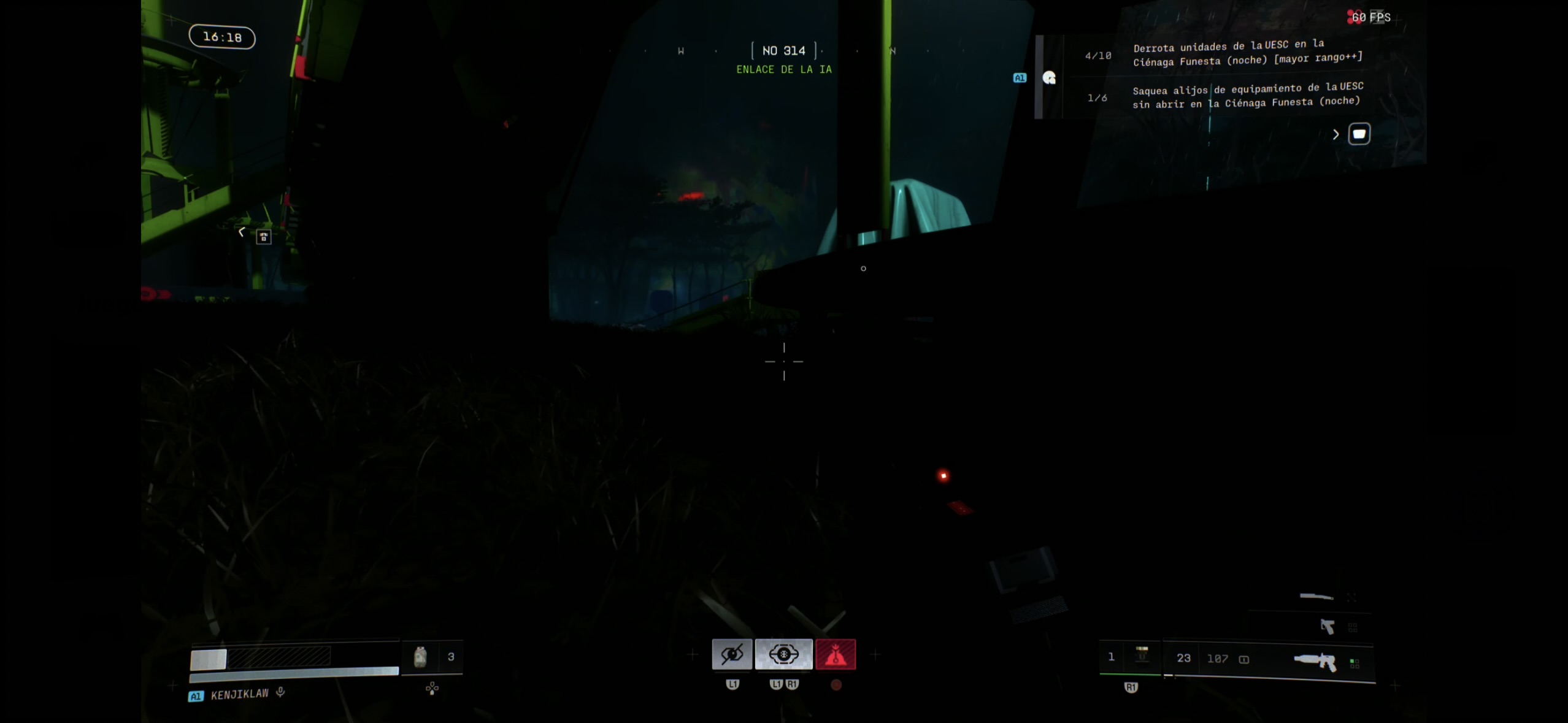
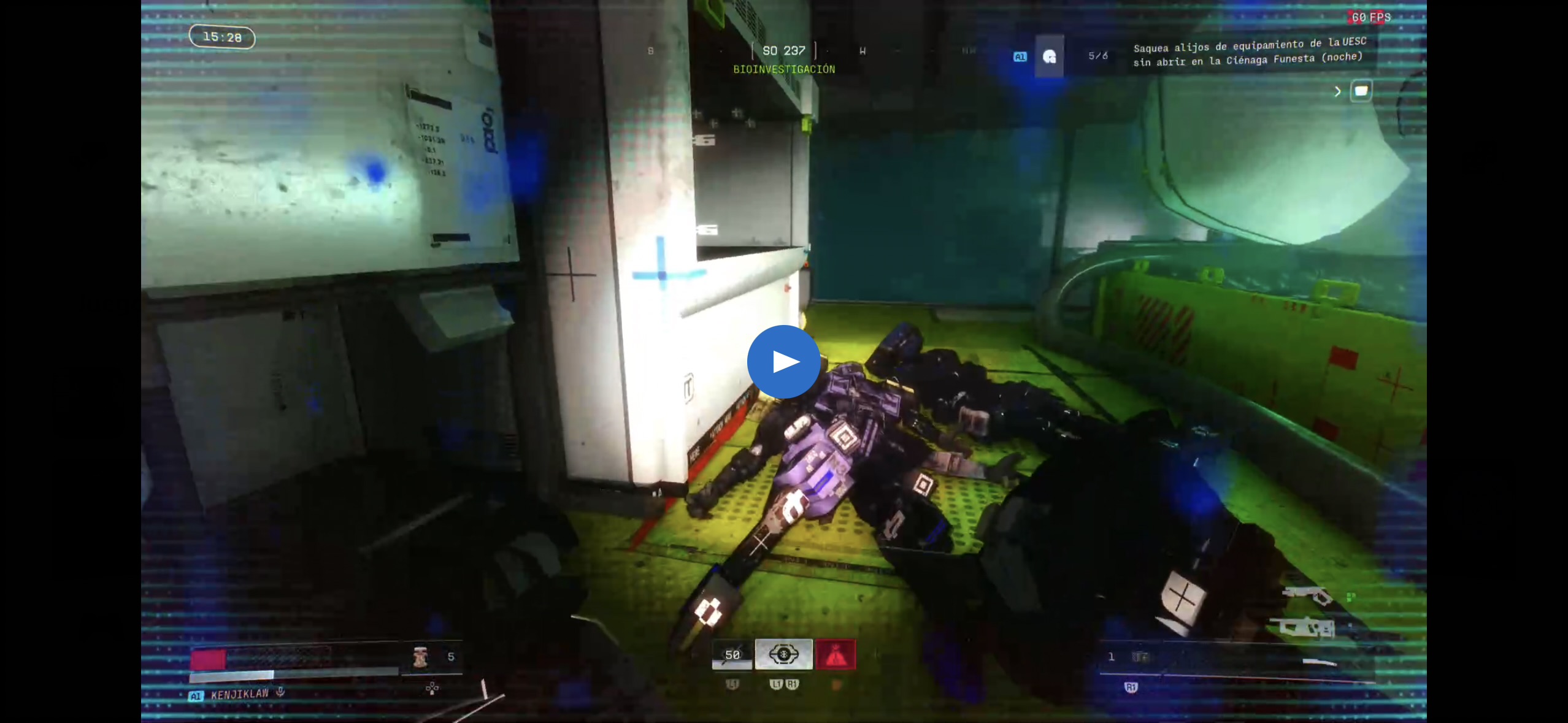
    0

Please sign in to leave a comment.