Bungie Answered
Cannot enter the Game S:1:817B100/ Salika

Hi Team, yesterday i bought and downloaded the Marathon game. All fine - all runs. Then i changed the Language of my PS5 to German. Want to restart the game there is always error messages in the beggining. Cannot connect or cannot download config datas. If i connect to Wired Lan its S:1:817B100 or s:7- if i connect to wifi its Salika error message. Once i also delete and install the game again. After first match the same issue. Makes me crazy….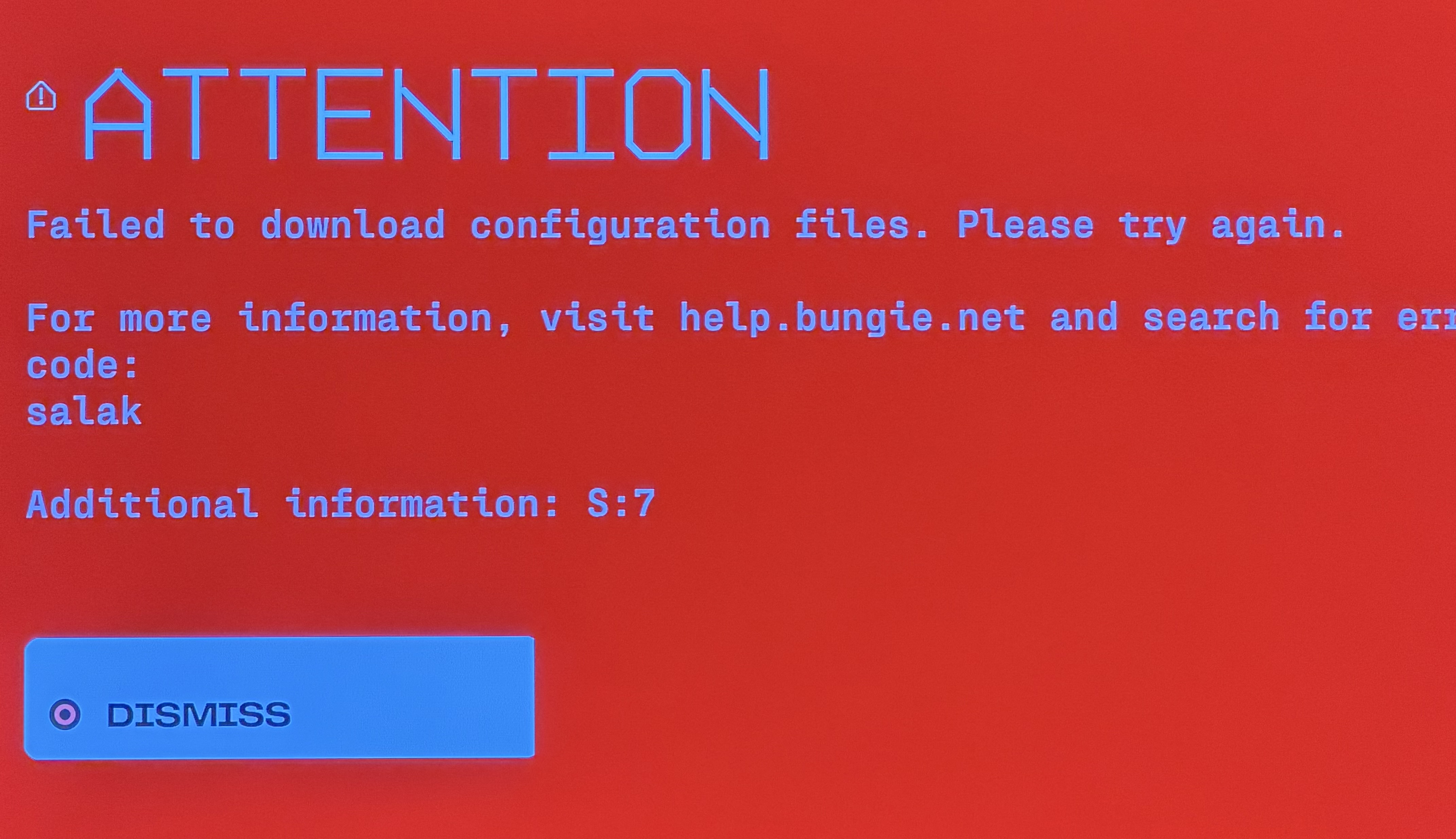
0

Comments
Hi there,
Thank you for reporting this.
Error code Salak is caused by a failure to connect to network resources.
The first troubleshooting step would be to log out of the game and relaunch it to see if that resolves the issue.
If that does not help and there is no scheduled maintenance, please refer to our Network Troubleshooting Guide for troubleshooting. We also have an Advanced Troubleshooting Guide, if the Network Troubleshooting Guide did not help.
If you are using Kaspersky, have you tried Whitelisting both Marathon and BattlEye? Whitelisting an application helps prevent it from being blocked by your antivirus program.
To whitelist Marathon and BattlEye, open Kaspersky, go to Settings (Big Cog) > Security Settings (or Additional) > Threats and exclusions > Manage Exclusions and then add both Marathon and BattlEye and save.
And for PS5?? I am playing on console
Hi there,
If you are on PS5, please go through the entirety of the two network troubleshooting guides that were provided, as Salak, is a network error code:
Network Troubleshooting Guide
Advanced Troubleshooting Guide
Please sign in to leave a comment.