Bungie Answered
Never Recieved Twitch Drops

Claimed the Bingus and Worm Twitch drops but they never populated for me in-game. I was unaware of the 12 hours prior requirement of account linking for Twitch drops and have successfully acquired the new Tau Ceti Cup drops, but none of the prior drops have populated.
Is there any way I can still receive those drops?
I can add screenshots of my Twitch Drops page plus linked accounts if that would prove helpful.
0

Comentarios
Hi there,
To confirm that you successfully earned the Twitch Drop, locate your "Redeem Code" page in your Bungie.net account and then click on "Partner Rewards." Your Twitch Drops will appear on this page.
If the Twitch Drop doesn't appear, log in to Twitch's website and view your Drops Inventory to see all the Drops you've earned. Click on the "Claim" button on any Marathon Drops that have that option below them, go back to your Partner Rewards area, and click the "Refresh" button to get the Drop to appear.
Unearned Marathon Twitch Drops will not appear on this page.
If the Drop still doesn't appear, you may need to connect or reconnect your Twitch profile to your Bungie.net account and follow the above steps.
Partner Rewards page only shows the "Angry Bunny" drops from today's Tau Ceti Cup drops. Just tried reconnecting my Twitch but nothing has populated.
For reference, this is my Twitch Drops page , account linking on Bungie.net, and Partner Rewards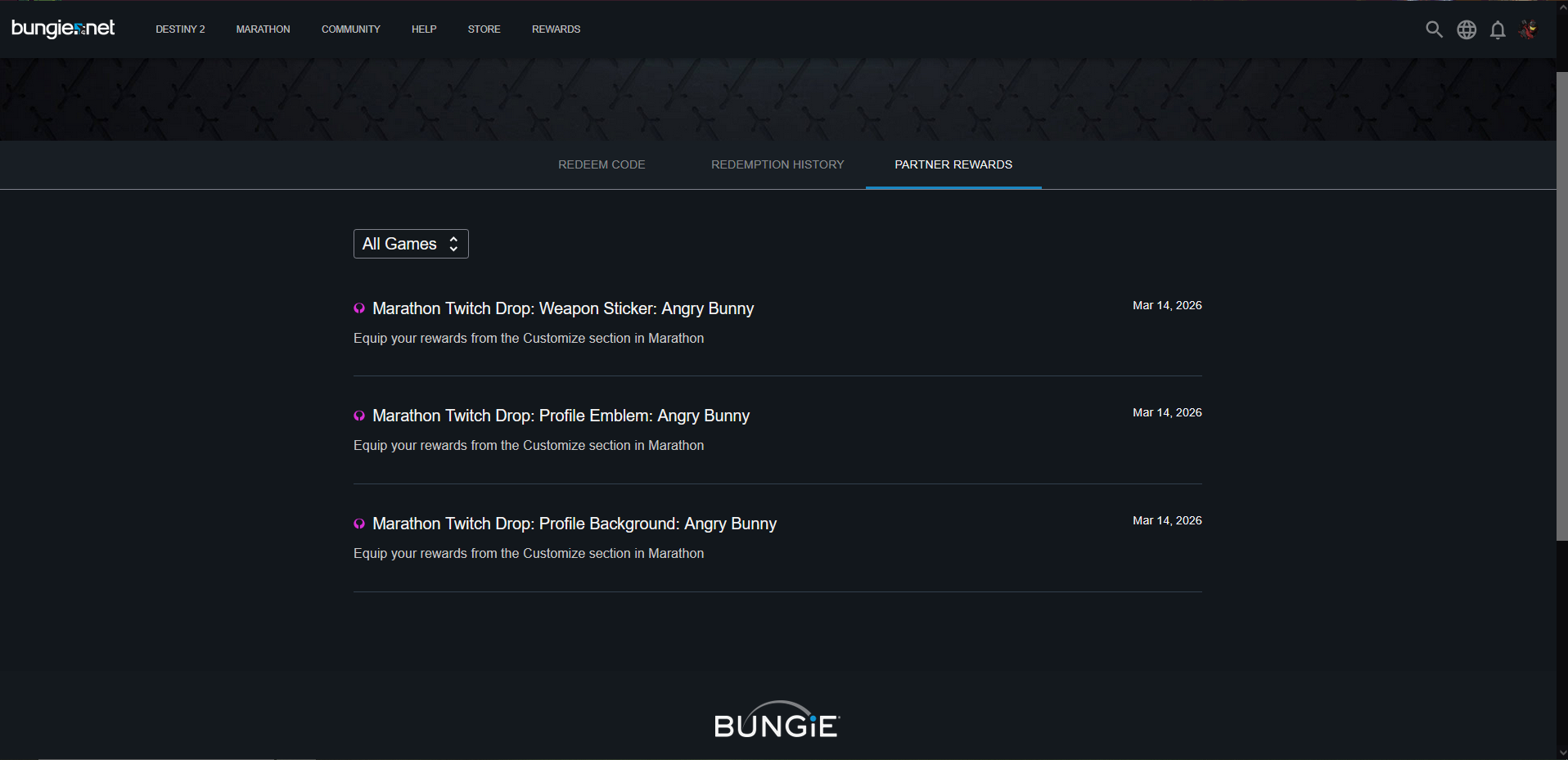 .
.
Here's the Redemption History page too for reference.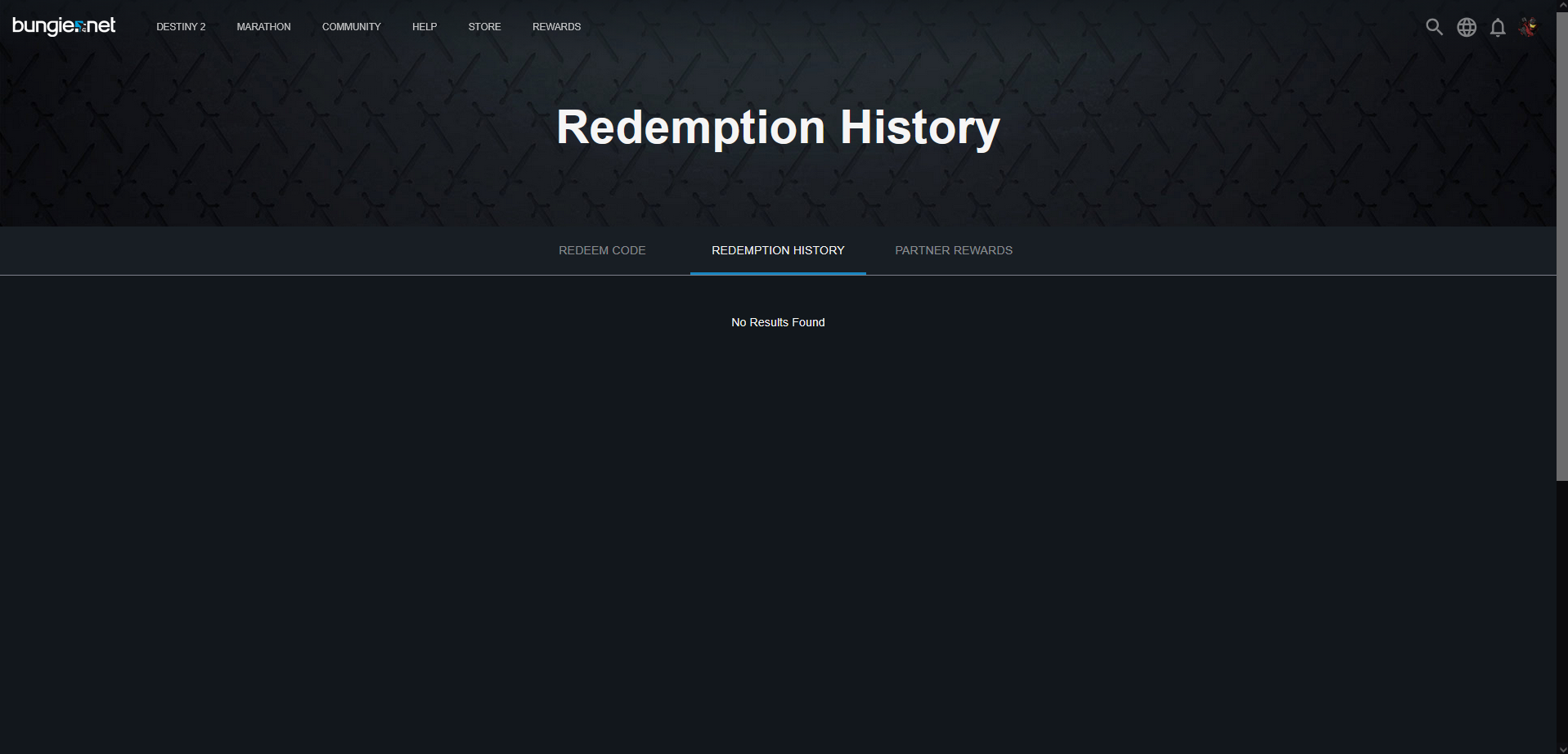
Bungie Support Bungie Support Bungie Support Bungie Support Bungie Support Bungie Support
I have literally waited 6 days for my bingus twitch content and nothing is showing in my redemption history since my old Destiny 2 days back in 2022...I have clicked claim on the twitch drops page 6 days ago...I just want my bingus twitch drops....
Username: Ed :D
They finally populated! Thank you Bungie support team!
I played the crap out of the server slam and never recieved my rewards and nothing shows on my rewards page.
Iniciar sesión para dejar un comentario.