Bungie Answered
Initial Profile Background and Emblem Disappearance Issue

- Bungie Account Name
C03b04#2858
- Platform (with confirmed issues)
Steam, PlayStation 5
- Description of Issue
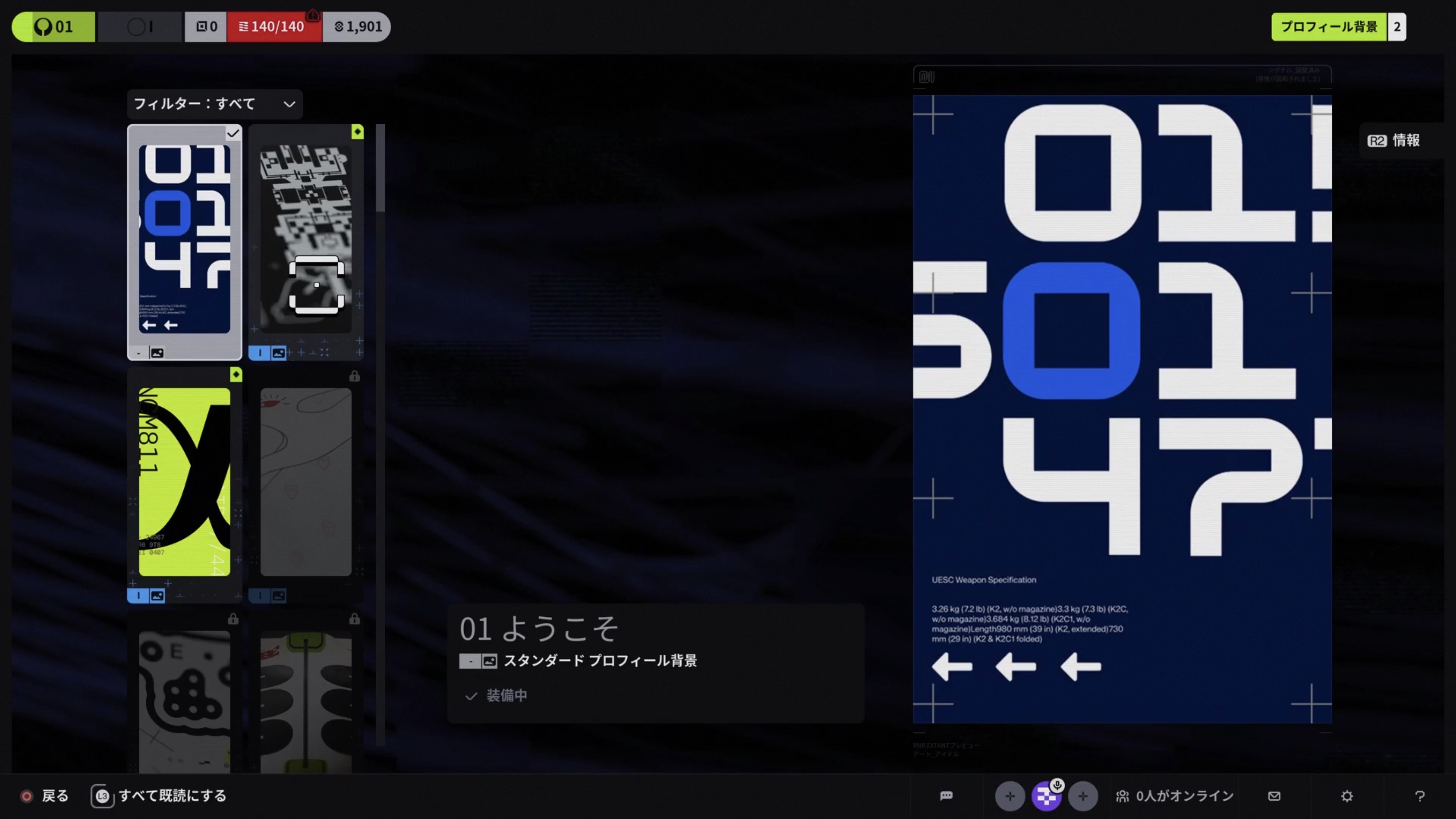
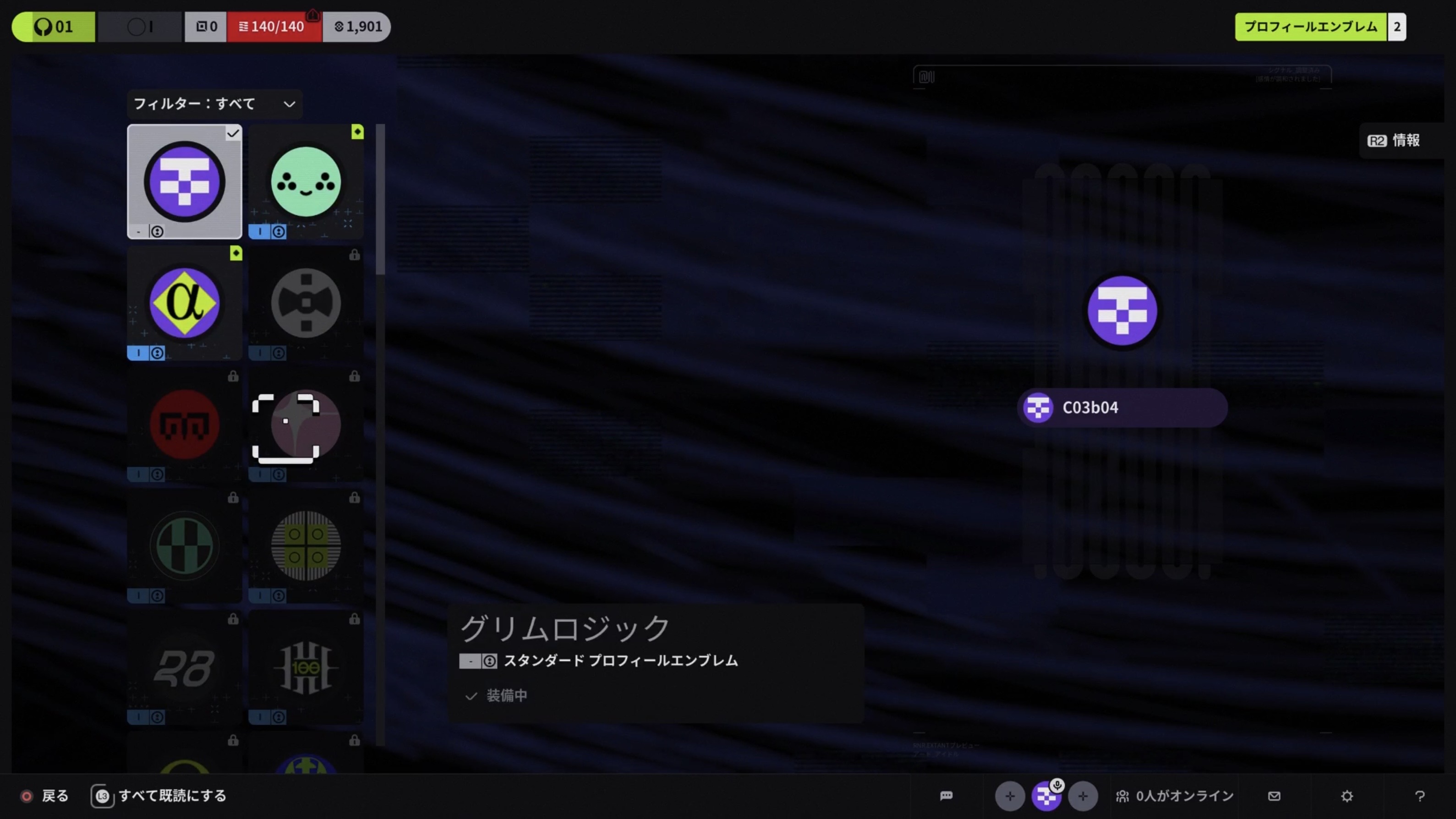
The initial profile background and emblem disappear from the owned items list in the customisation screen, and once another emblem is equipped, it becomes impossible to return to the initial one.
- Rough Date and Time of issue
After launch
- Repro steps
After first launching the game and completing the tutorial run, the background and emblem appear in the owned list when first arriving in the lobby. However, they disappear at some point afterward. Unfortunately, the exact timing or trigger is unclear.
The initial profile background and emblem:
0

Comments
Hey there,
Thank you for the report.
If your owned emblems are not showing up, you can try resorting the Customize > Profile menu by All or Owned to make sure that all of your emblems are showing up in game. This should correct a visual issue that can hide owned emblems.
If resorting doesn't correct the issue, please use your platform's capture button to take a video showing that the emblems and backgrounds are still inaccessible. You can upload the footage to a public video hosting site, like YouTube, then post the link here and we’ll be glad to take a look.
Thank you for the quick response.
I tried using the filters, but unfortunately, the items are still missing. I recorded a video showing the situation, which you can view here:
https://youtu.be/KQBPm6yRAyY
(I tried all filters for both backgrounds and emblems, and double-checked with “All” and “Owned”.)
Hi there,
Thank you for video.
We have taken note of your report and will add it to our investigation on our end.
Please sign in to leave a comment.