Bungie Answered
Missing Twitch Drop Rewards

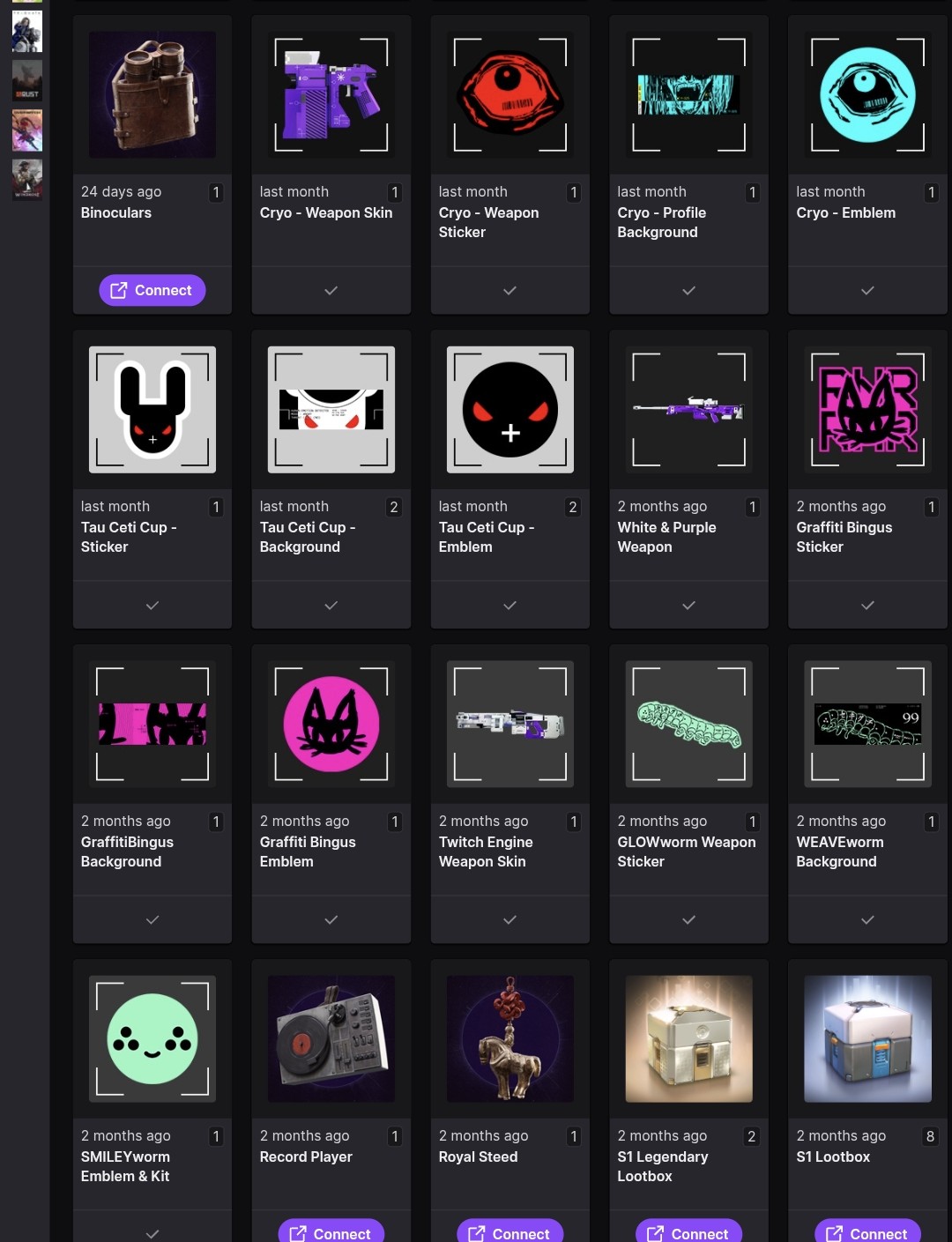
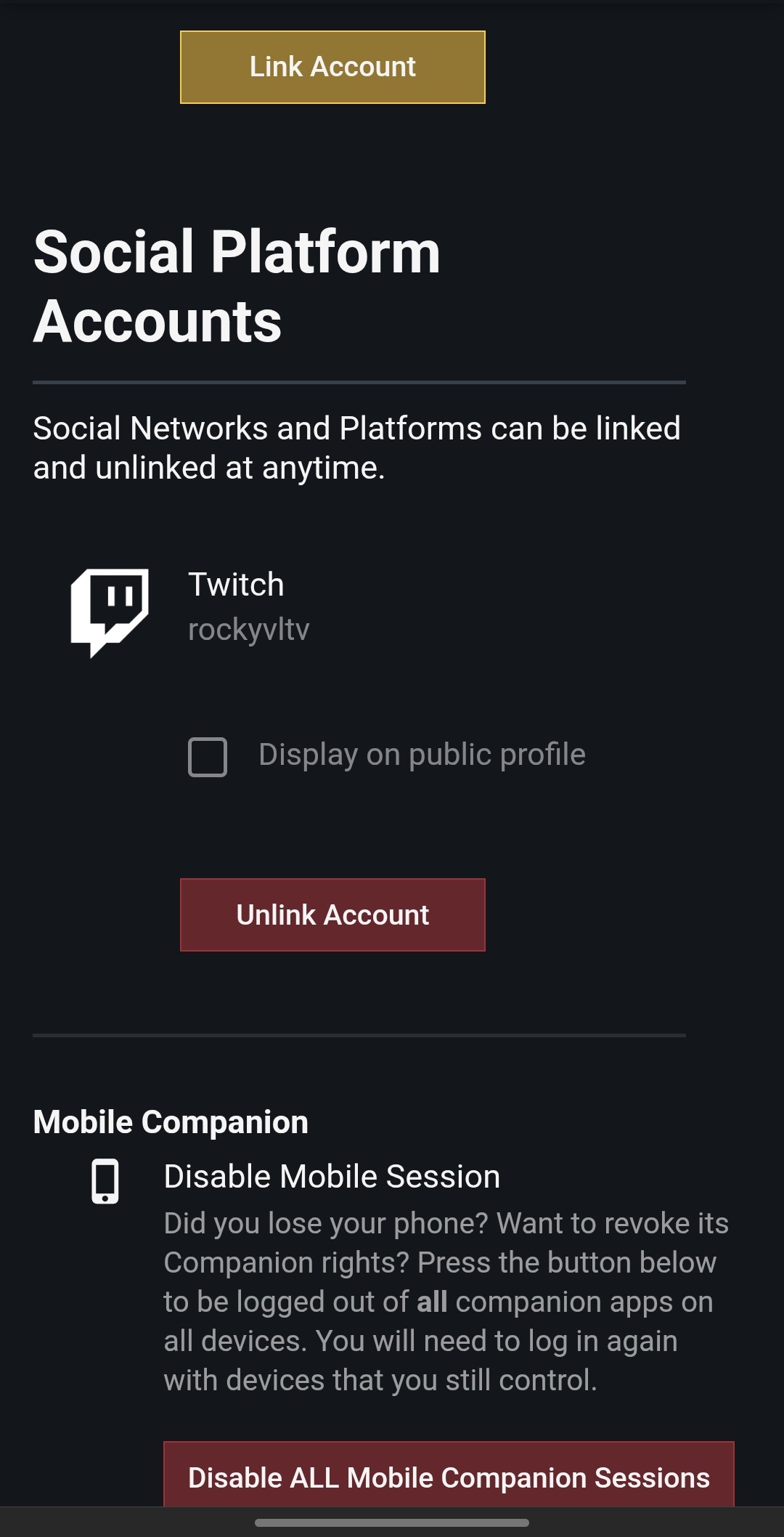
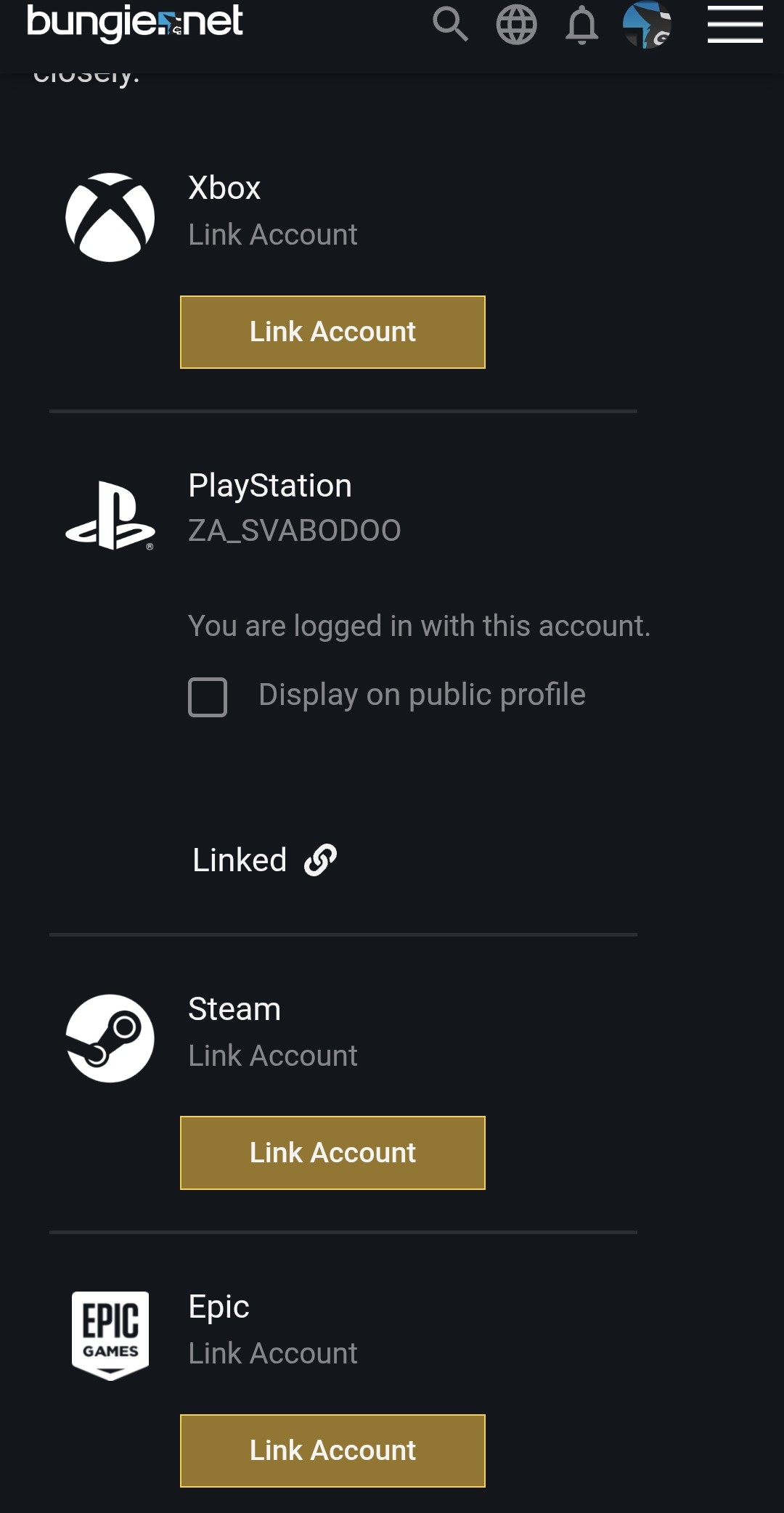
Hello, I tried to claim my twitch drops and did not recieve them.
0

Comentários
Hi there,
To confirm that you successfully earned the Twitch Drop, locate your "Redeem Code" page in your Bungie.net account and then click on "Partner Rewards." Your Twitch Drops will appear on this page.
If the Twitch Drop doesn't appear, log in to Twitch's website and view your Drops Inventory to see all the Drops you've earned. Click on the "Claim" button on any Marathon Drops that have that option below them, go back to your Partner Rewards area, and click the "Refresh" button to get the Drop to appear.
Unearned Marathon Twitch Drops will not appear on this page.
If the Drop still doesn't appear, you may need to connect or reconnect your Twitch profile to your Bungie.net account and follow the above steps.
I did all that. I claimed them on twitch after I link my accounts, but I never got anything.
I have also unlink and reconnected the accounts, and still havent recieved them.
Edit: more specifically, if I unlink the accounts, and I go to the twitch drops, and click claim. It prompts me to link the accounts. Once I do, all the drops show a check mark under them. But nothing appears on the bungie partner rewards page.
Thanks for the info. Could you please clarify which Twitch Drops are missing? Is it all of the pictured items, or only some of them?
It is all of the ones in the picture.
Is there anything else you guys are going to need from me in order to fix this?
Thanks for the info. We've fixed this up for you and the items should appear next time you open the game.
If any other user encounters the same issue, please create a new thread and we'll be glad to take a look!
Por favor, entrar para comentar.