Bungie Answered
Error W:8:80090305

English : Hello,
I can't launch the game if my Kaspersky antivirus is enabled, so I have to completely disable the antivirus on my PC every time I want to play. It's not a big problem in itself, but I hope this issue can be resolved.
Have a nice day.
Français : Bonjour,
Impossible de lancer le jeu si mon antivirus Kaspersky est activé, je dois donc désactiver totalement l'antivirus de mon pc à chaque fois que je veux jouer. Ce n'est pas un gros problème en soit mais j'espère que ce problème pourra être réglé.
Bonne journée à vous.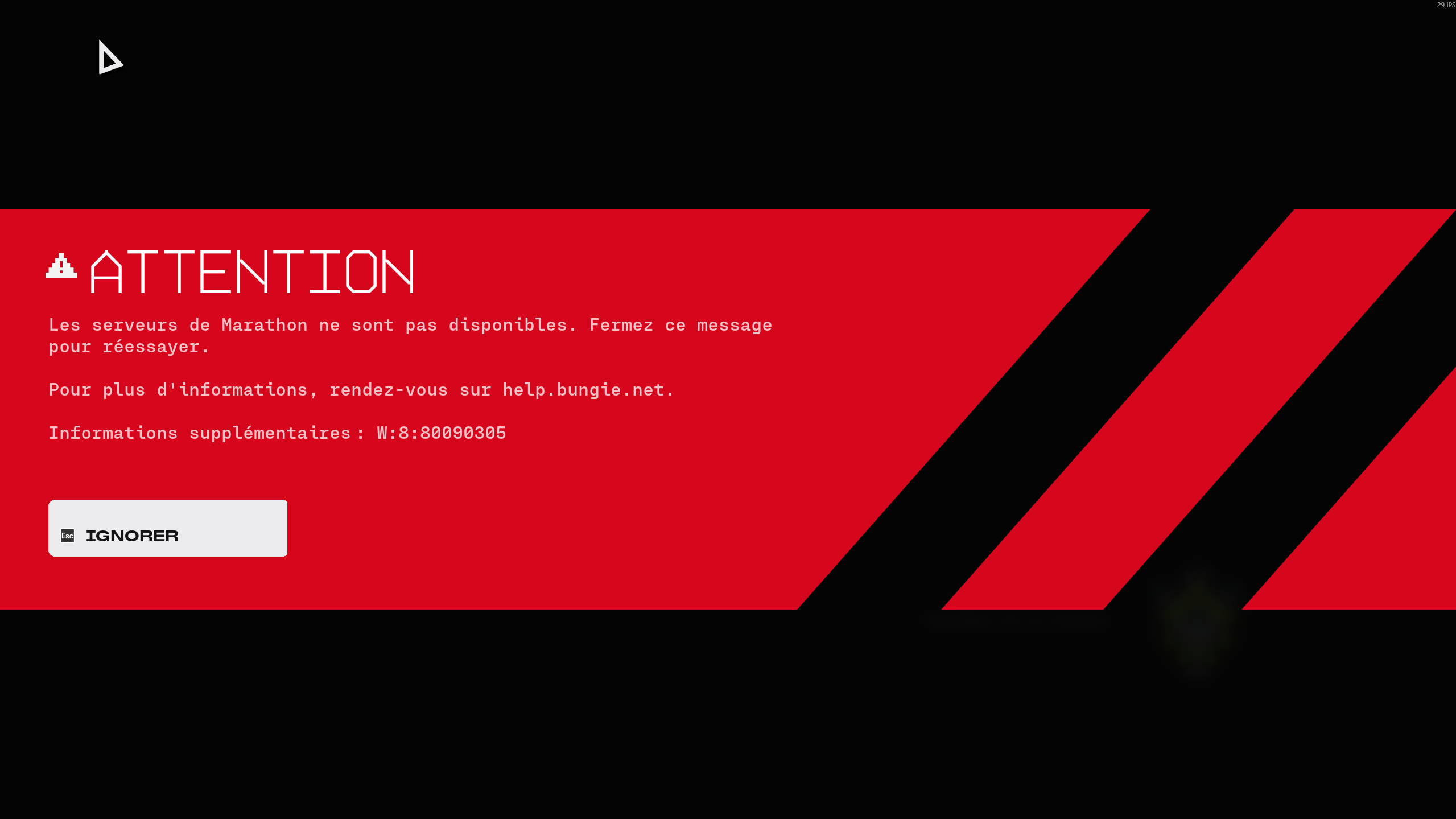
0

Komentarze
Hi there,
Thank you for reaching out,
We’ve seen some cases where Kaspersky and other security software block Marathon’s connection/sign‑in, which prevents the game from launching until the AV is disabled. Instead of turning Kaspersky off completely, please try:
Update first
Make sure Windows and Kaspersky are both fully up to date.
Add Marathon and BattlEye as trusted In Kaspersky’s settings:
Add the Marathon game folder (your Steam/Epic install path) and the main Marathon executable to Trusted / Exclusions.
Add the BattlEye anti‑cheat files (e.g. BEService.exe in the BattlEye folder under your game install) as trusted as well.
Ensure these entries are allowed network access and not being blocked or scanned in “advanced” protection rules.
Reboot and test with Kaspersky enabled
Restart your PC after changing Kaspersky’s settings.
Launch Marathon again with Kaspersky still on and see if it now starts normally.
Zaloguj się, aby dodać komentarz.