Missing and incorrectly displayed Twitch Drops rewards

I’m experiencing an issue with Twitch Drops in Marathon.
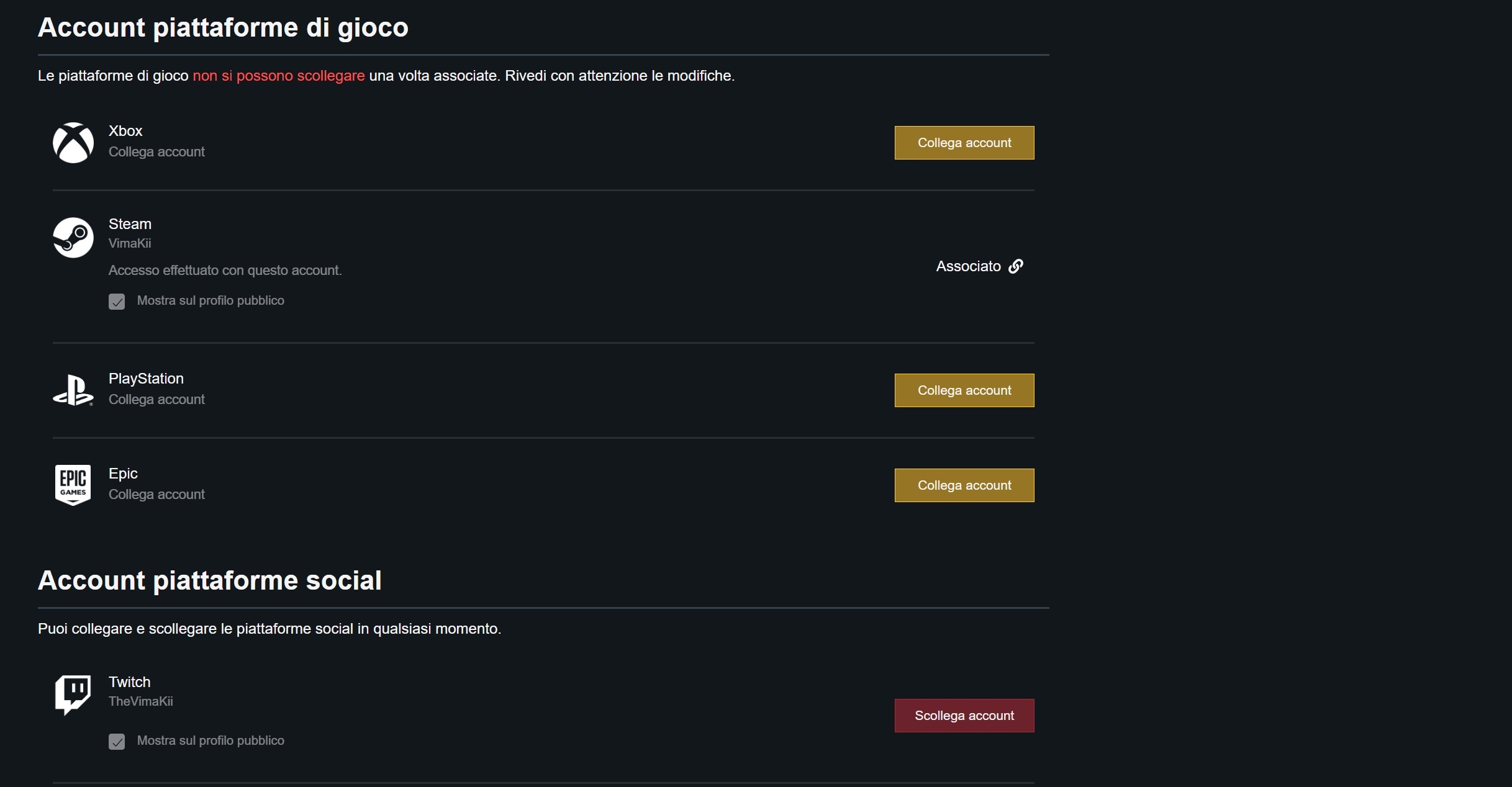
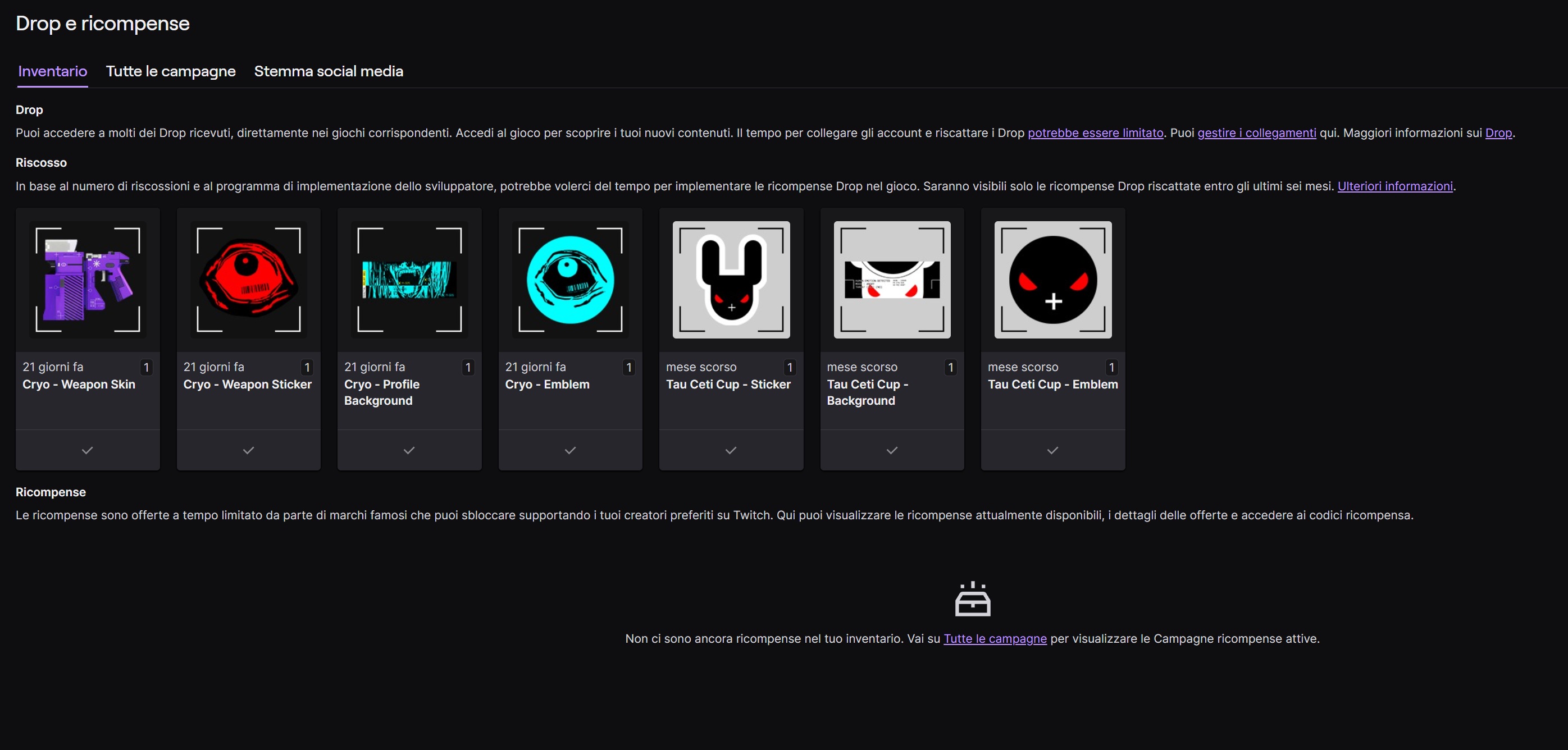
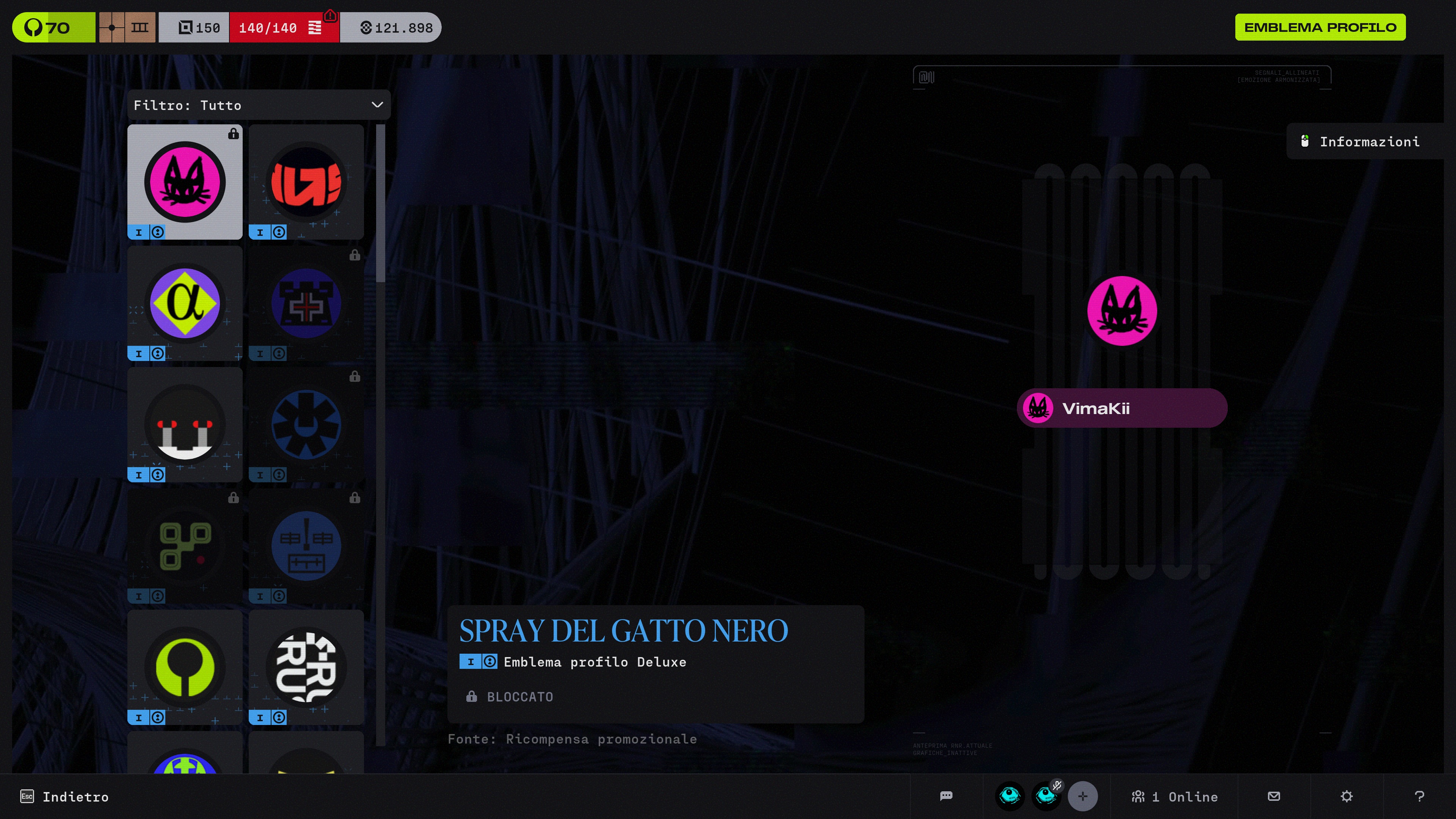
My account is correctly linked to Twitch and I participated in the Drops campaign, but the rewards on my account are not behaving as expected. Some Drops I should have earned are missing, while others appear visible in-game even though I did not unlock them and should not be accessible. The overall state of the rewards seems inconsistent, as if they were only partially applied or applied incorrectly.
I have already verified that my Twitch account is linked correctly, so this does not appear to be an issue on my side. It is more likely related to an incorrect synchronization.
I am requesting a manual review of my account and a correction of the Twitch Drops rewards, including granting any missing items and fixing the incorrect visibility of those I have not earned.
I am attaching images for reference.

コメント
Hi there,
Thank you for reaching out.
To confirm that you successfully earned the Twitch Drops, locate your "Redeem Code" page in your Bungie.net account and then click on "Partner Rewards." Your Twitch Drops will appear on this page.
If you're unable to locate the Twitch Drop:
サインインしてコメントを残してください。