Bungie Answered
MISSING TWITCH DROPS

JrElBambin#6625 is my marathon in game username missing all of the 8 items that i claimed on playstation 5
proof of claims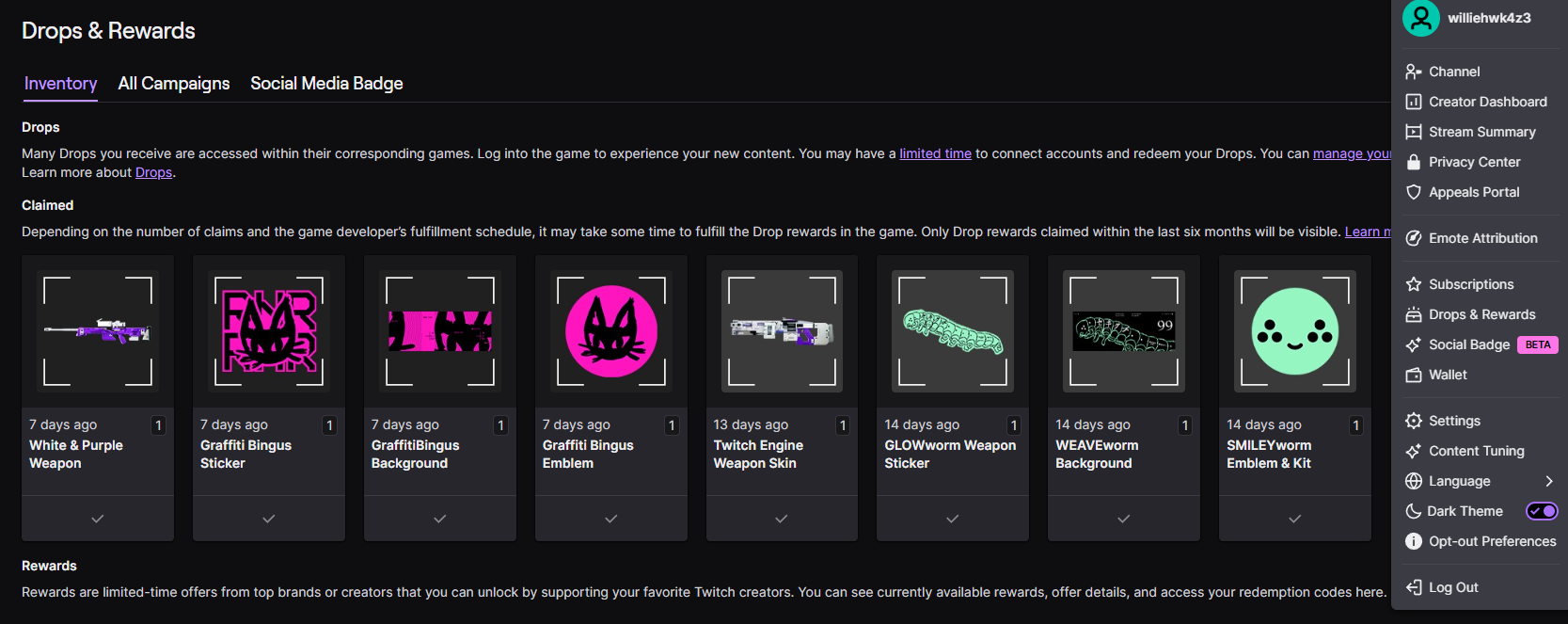
0

コメント
Hi there,
Thanks for reaching out.
To confirm that you successfully earned the Twitch Drop, locate your "Redeem Code" page in your Bungie.net account and then click on "Partner Rewards." Your Twitch Drops will appear on this page.
If you're unable to locate the Twitch Drop:
Click the "Refresh" button at the top of the page beside "Missing Twitch Rewards" and the page will update with any Twitch items you've earned.
If the Twitch Drop doesn't appear, log in to Twitch's website and view your Drops Inventory to see all the Drops you've earned. Click on the "Claim" button on any Marathon Drops that have that option below them, go back to your Partner Rewards area, and click the "Refresh" button to get the Drop to appear.
Unearned Marathon Twitch Drops will not appear on this page.
If the Drop still doesn't appear, you may need to connect or reconnect your Twitch profile to your Bungie.net account and follow the above steps.
We're also aware of some issues with players not receiving their Marathon Twitch drops despite going through all of the above steps. If this is the case for you, please know the team is aware and looking into the situation, and we thank you for your patience in the meantime.
it is also connected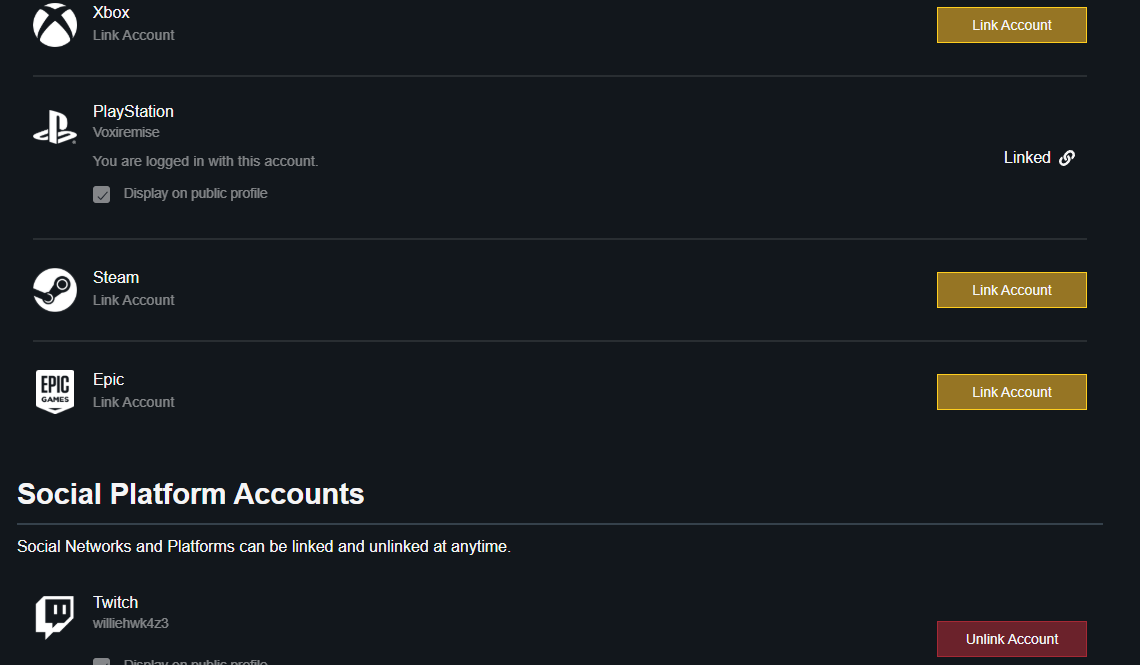 here
here
i don't know why the in game name is different but this is it
I did everything; even did the stated steps twice. I still haven’t acquired any twitch rewards.
サインインしてコメントを残してください。