Twitch Drops Not Received

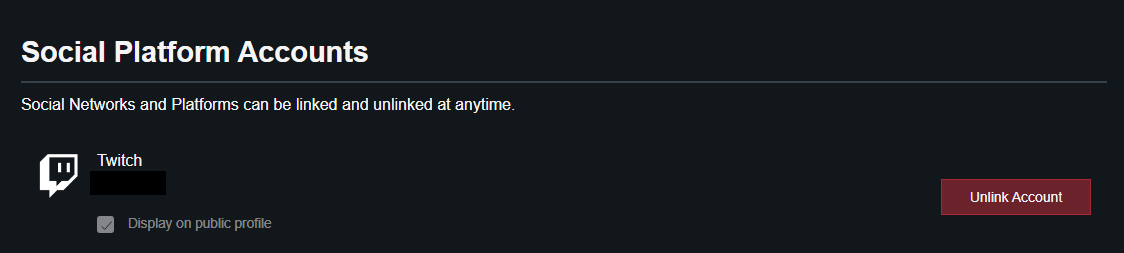
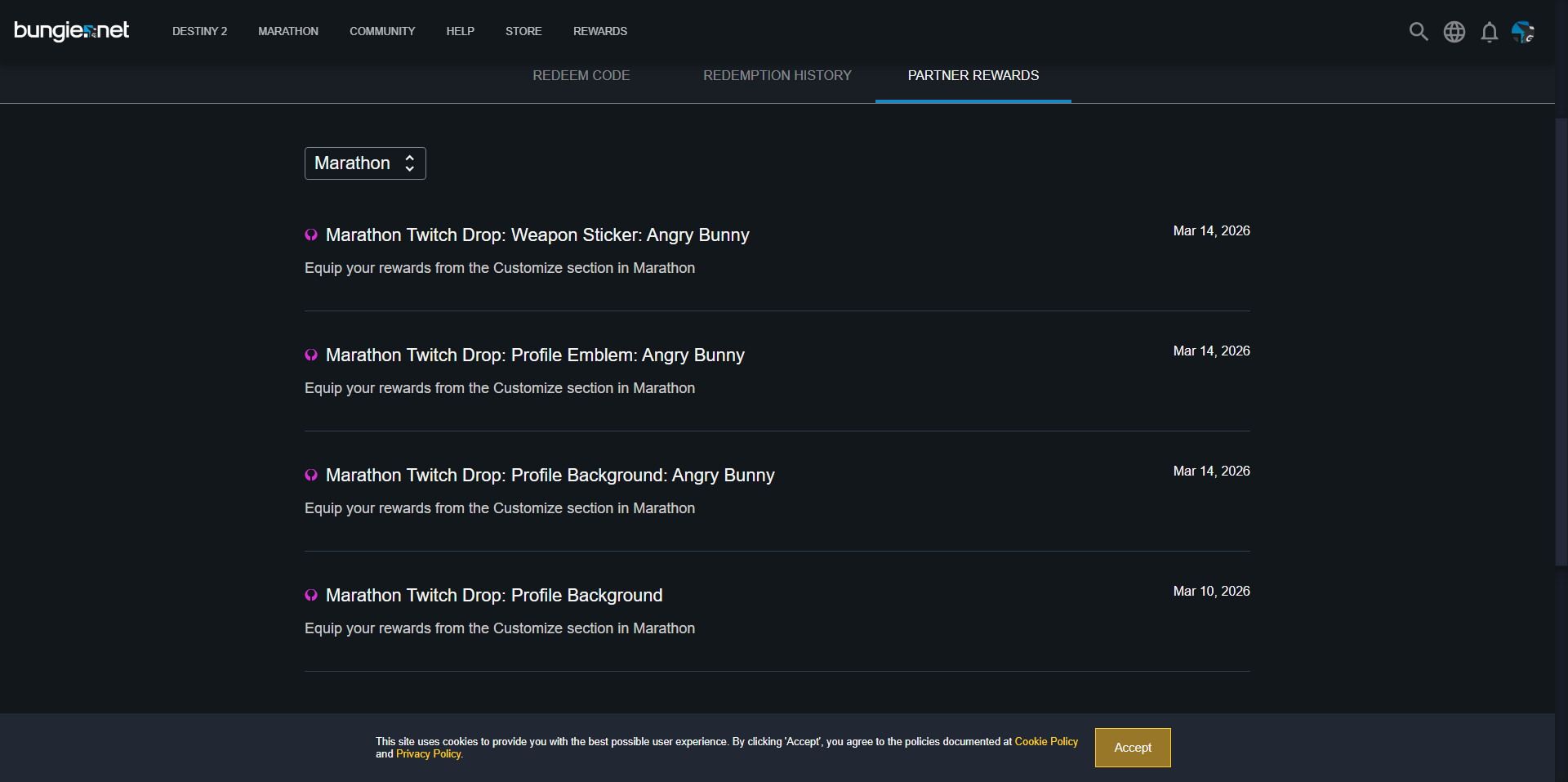
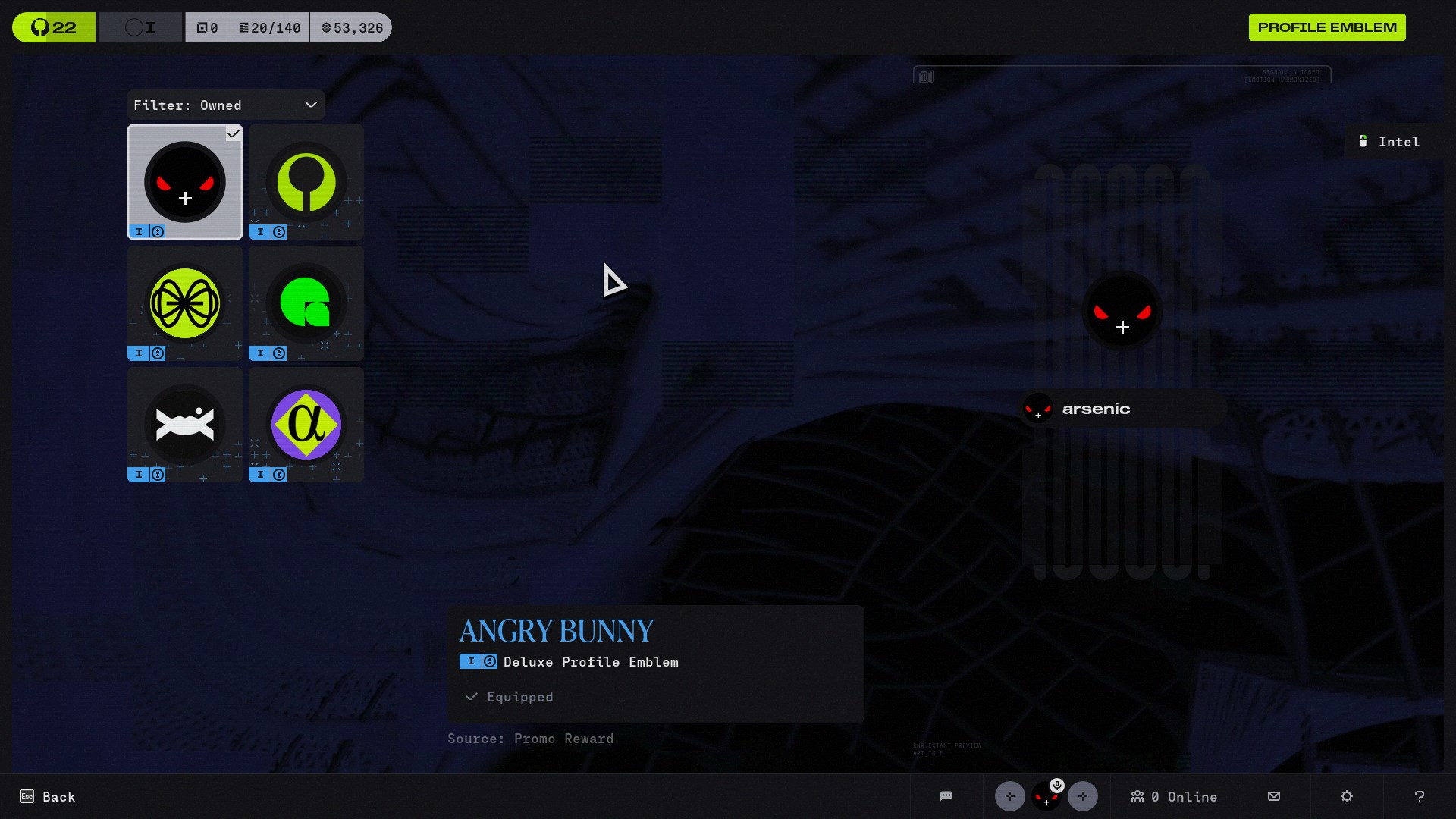
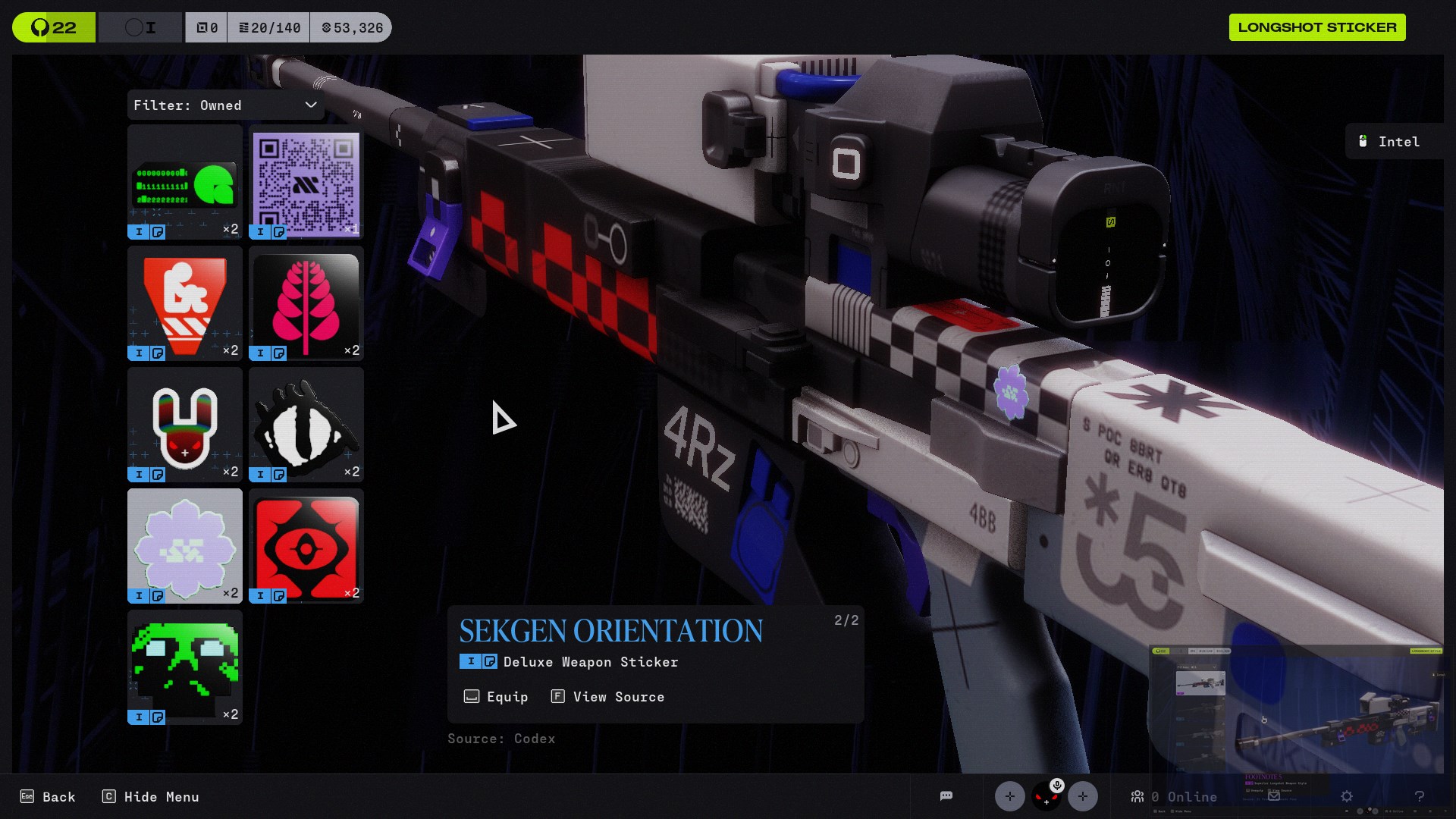
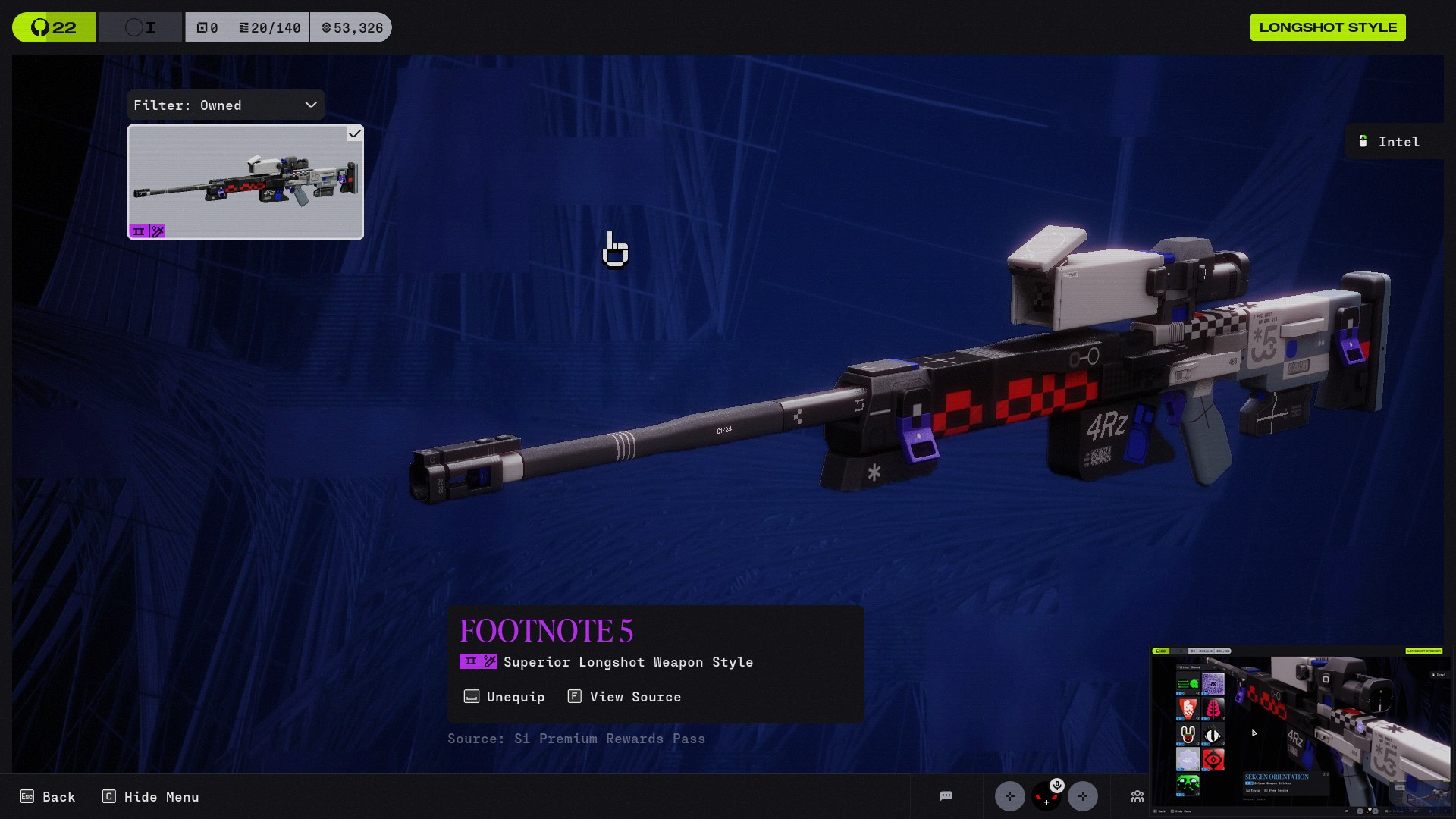
(Edited to add my acount name.) Making another post because I'm afraid that my issue will be forgotten. I've watched for enough time, and redeemed the Graffiti Bingus Emblem, background and sticker, in addition to the white and purple weapon twitch skin, but have only received the background in my account. It's been nearly 10 days and I basically haven't gotten any of the initial bingus drops besides the background :( I have relinked my account multiple times, and made sure that the issue is not on my end. The fact that I have the Bingus background means that I had to have earned the emblem, as the emblem comes first. It's been nearly 10 days since I earned the drop. Is there no way for you to just send the drops? I have more than enough proof in these screenshots, and am fully willing to provide more if needed.I really hope that this problem doesn't just get forgotten.The forum is filled with identical reports to this. Please help bungie <3 My account name on marathon is: arsenic#1048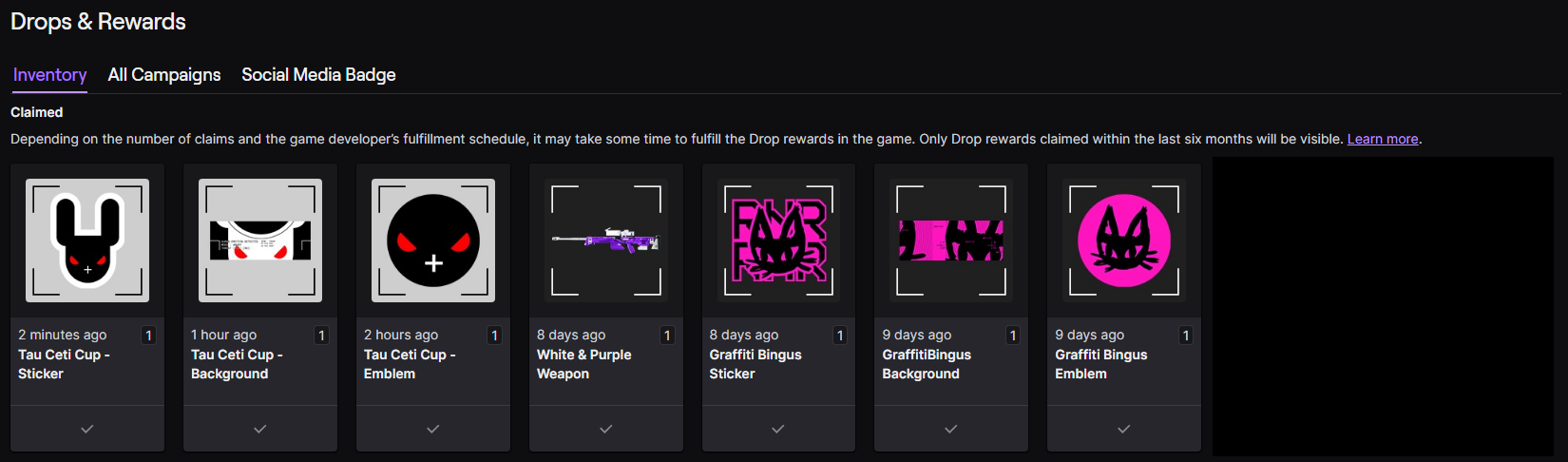

Commentaires
Hi there,
We're seeing a rise in reports about this and are currently investigating.
In the meantime, to confirm that you successfully earned the Twitch Drop, locate your "Redeem Code" page in your Bungie.net account and then click on "Partner Rewards." Your Twitch Drops will appear on this page.
If the Twitch Drop doesn't appear, log in to Twitch's website and view your Drops Inventory to see all the Drops you've earned. Click on the "Claim" button on any Marathon Drops that have that option below them, go back to your Partner Rewards area, and click the "Refresh" button to get the Drop to appear.
Unearned Marathon Twitch Drops will not appear on this page.
If the Drop still doesn't appear, you may need to connect or reconnect your Twitch profile to your Bungie.net account and follow the above steps.
Vous devez vous connecter pour laisser un commentaire.