Hello there, Thank you for reaching out and reporting this issue.
A few quick checks that can help with freezing on the “Signing In” screen: Confirm platform & restart Fully close the game and launcher (Steam/Epic/console), then reboot the device and try again. If you’re on PC, also try launching without overlays (Discord, GeForce, etc.).
Check connection & firewall Use a wired connection if possible and power‑cycle your modem/router. Make sure your firewall/antivirus isn’t blocking Marathon (add it to the allowlist/exceptions).
Verify game files (PC) On Steam/Epic, run Verify integrity / Verify files for Marathon, then retry.
If it’s still stuck, it would help to know: Your platform (Steam/Epic/Xbox/PS5), Your Bungie name, The approximate time and timezone of your last attempt, and Whether you ever see an error code or message, or if it just stays on “Signing In” forever.
With that info, the team can better investigate what’s blocking your sign‑in.


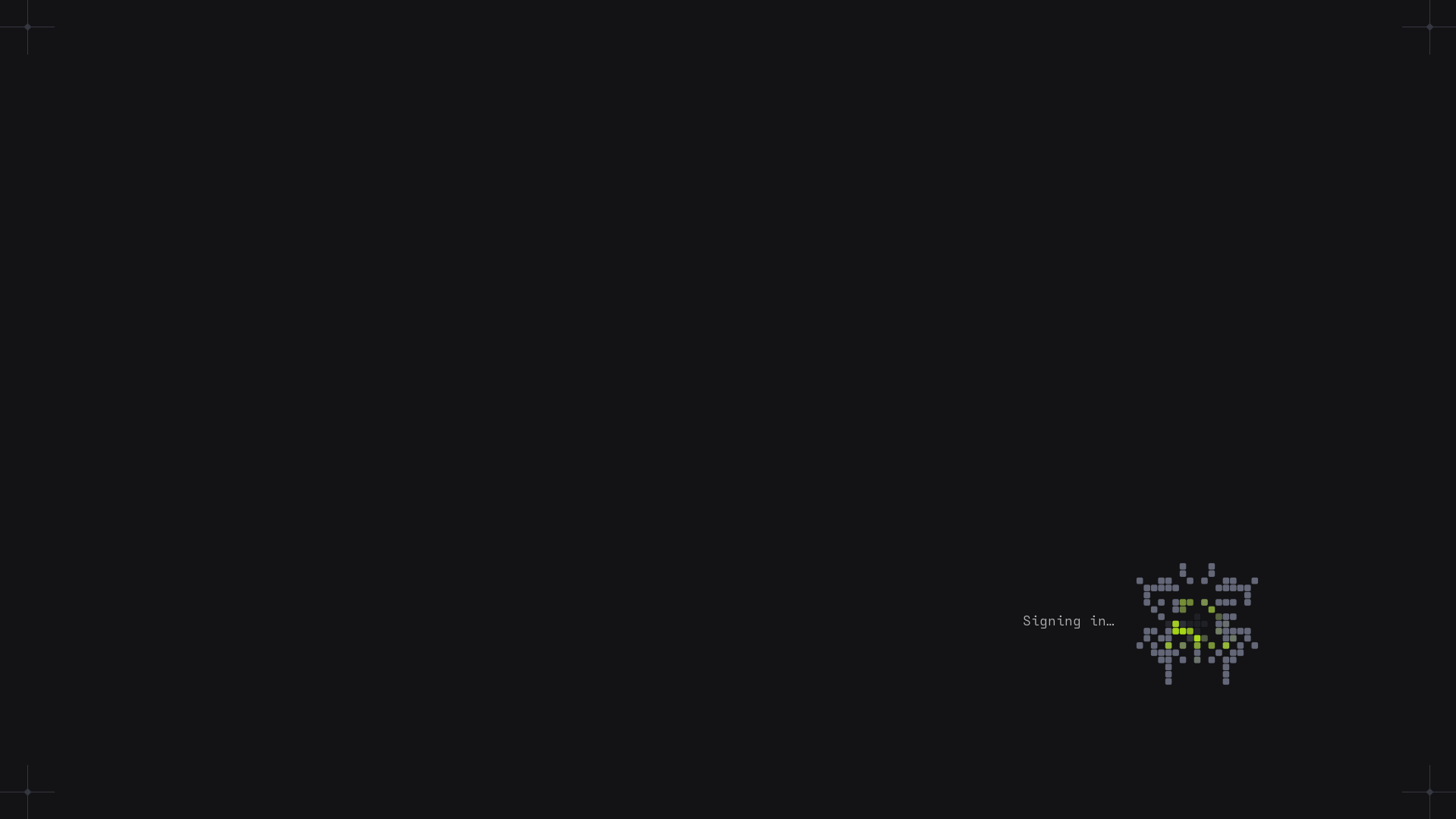 can not sign in to play
Comments
Hello there,
Thank you for reaching out and reporting this issue.
A few quick checks that can help with freezing on the “Signing In” screen:
Confirm platform & restart
Fully close the game and launcher (Steam/Epic/console), then reboot the device and try again.
If you’re on PC, also try launching without overlays (Discord, GeForce, etc.).
Check connection & firewall
Use a wired connection if possible and power‑cycle your modem/router.
Make sure your firewall/antivirus isn’t blocking Marathon (add it to the allowlist/exceptions).
Verify game files (PC)
On Steam/Epic, run Verify integrity / Verify files for Marathon, then retry.
If it’s still stuck, it would help to know:
Your platform (Steam/Epic/Xbox/PS5),
Your Bungie name,
The approximate time and timezone of your last attempt, and
Whether you ever see an error code or message, or if it just stays on “Signing In” forever.
With that info, the team can better investigate what’s blocking your sign‑in.
Please sign in to leave a comment.