Bungie Answered
Twitch drops

Hey, I have my account correctly connected to both my twitch account where I have got the drops to this account and my Steam account. I had an old Steam account connected to my twitch account but changed it to my current one without even playing the game and drops do not appear in my current Steam accounty.
0

Comments
Hi there,
We're seeing a rise in reports about this and are currently investigating.
In the meantime, to confirm that you successfully earned the Twitch Drop, locate your "Redeem Code" page in your Bungie.net account and then click on "Partner Rewards." Your Twitch Drops will appear on this page.
If the Twitch Drop doesn't appear, log in to Twitch's website and view your Drops Inventory to see all the Drops you've earned. Click on the "Claim" button on any Marathon Drops that have that option below them, go back to your Partner Rewards area, and click the "Refresh" button to get the Drop to appear.
Unearned Marathon Twitch Drops will not appear on this page.
If the Drop still doesn't appear, you may need to connect or reconnect your Twitch profile to your Bungie.net account and follow the above steps.
Hello!
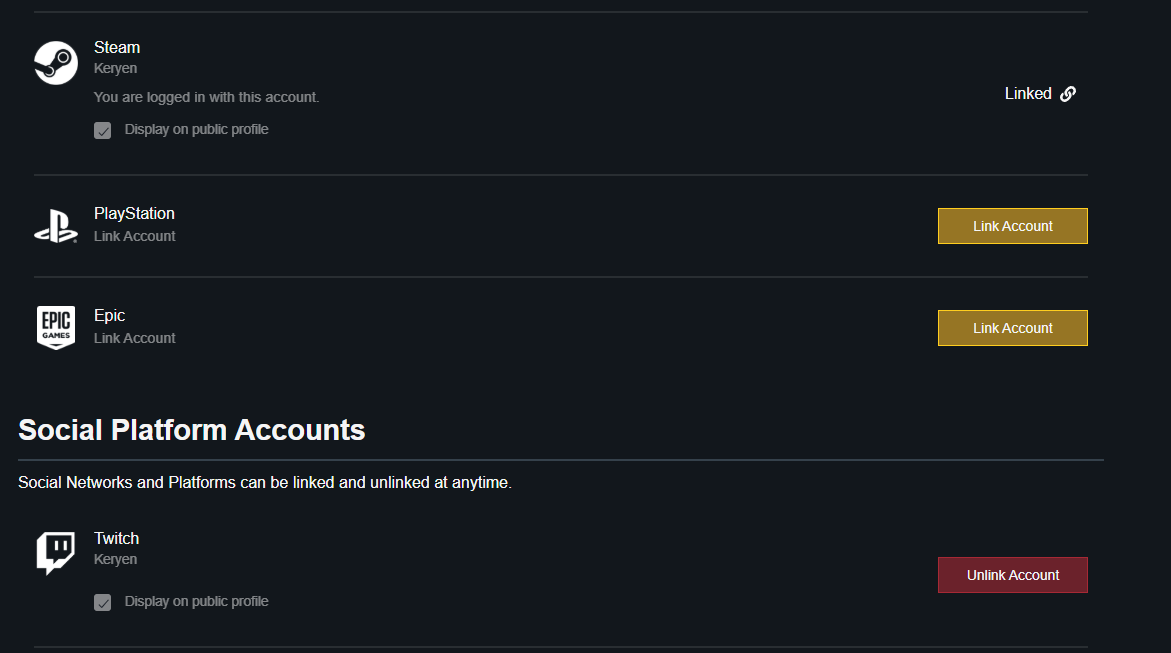
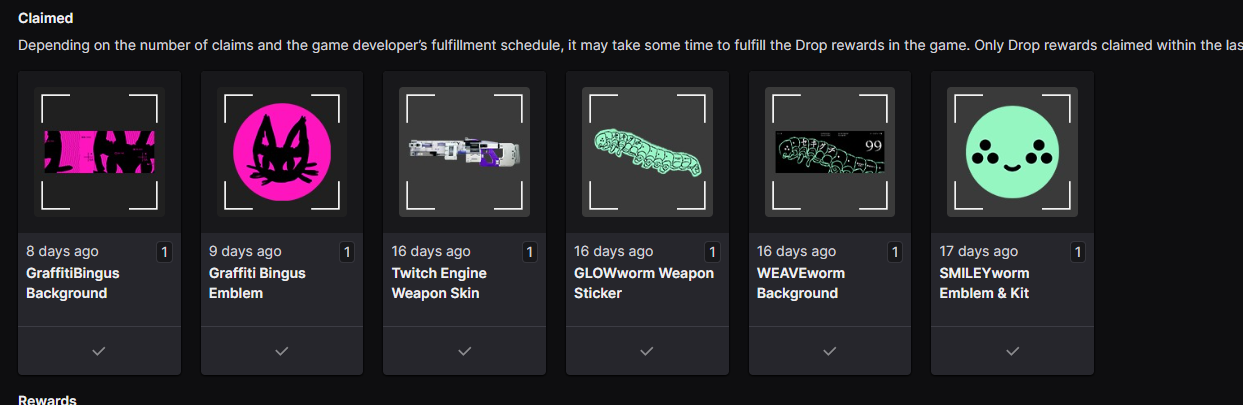
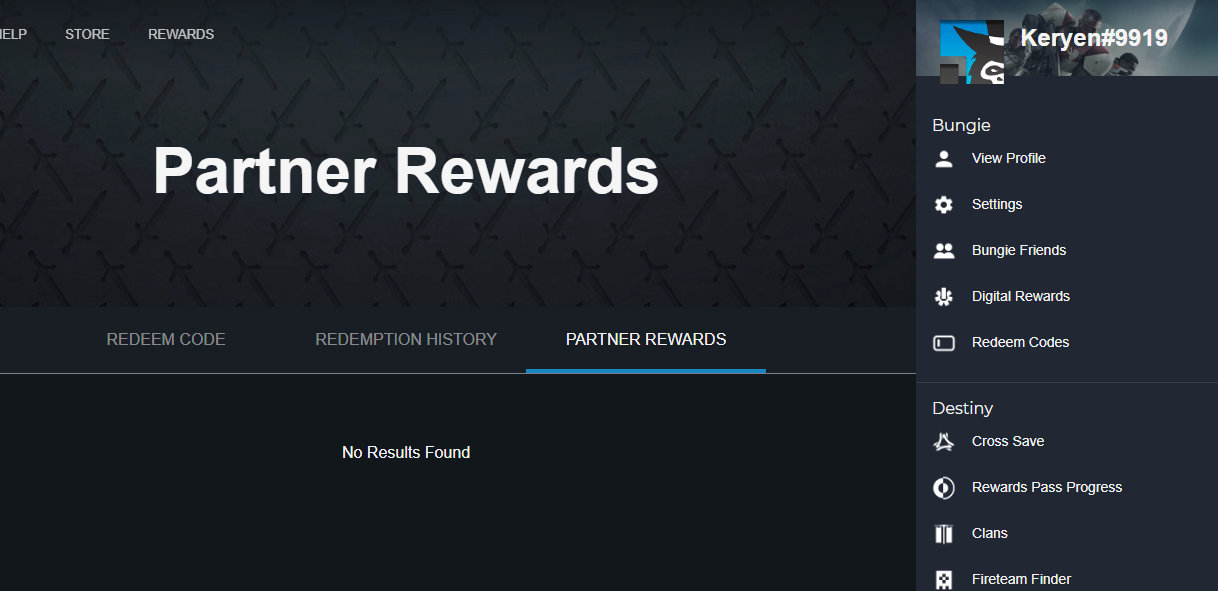
Is not working even if I reconnect the account. Let me attach some screenshots.
Thank you so much in advance!
Greetings,
Enrique
Please sign in to leave a comment.