Connection Issues. Error code: Weasel

Yesterday, at the start of the Server Slam, I was able to play Marathon without any issues. Today I'm consistently hitting the following error:
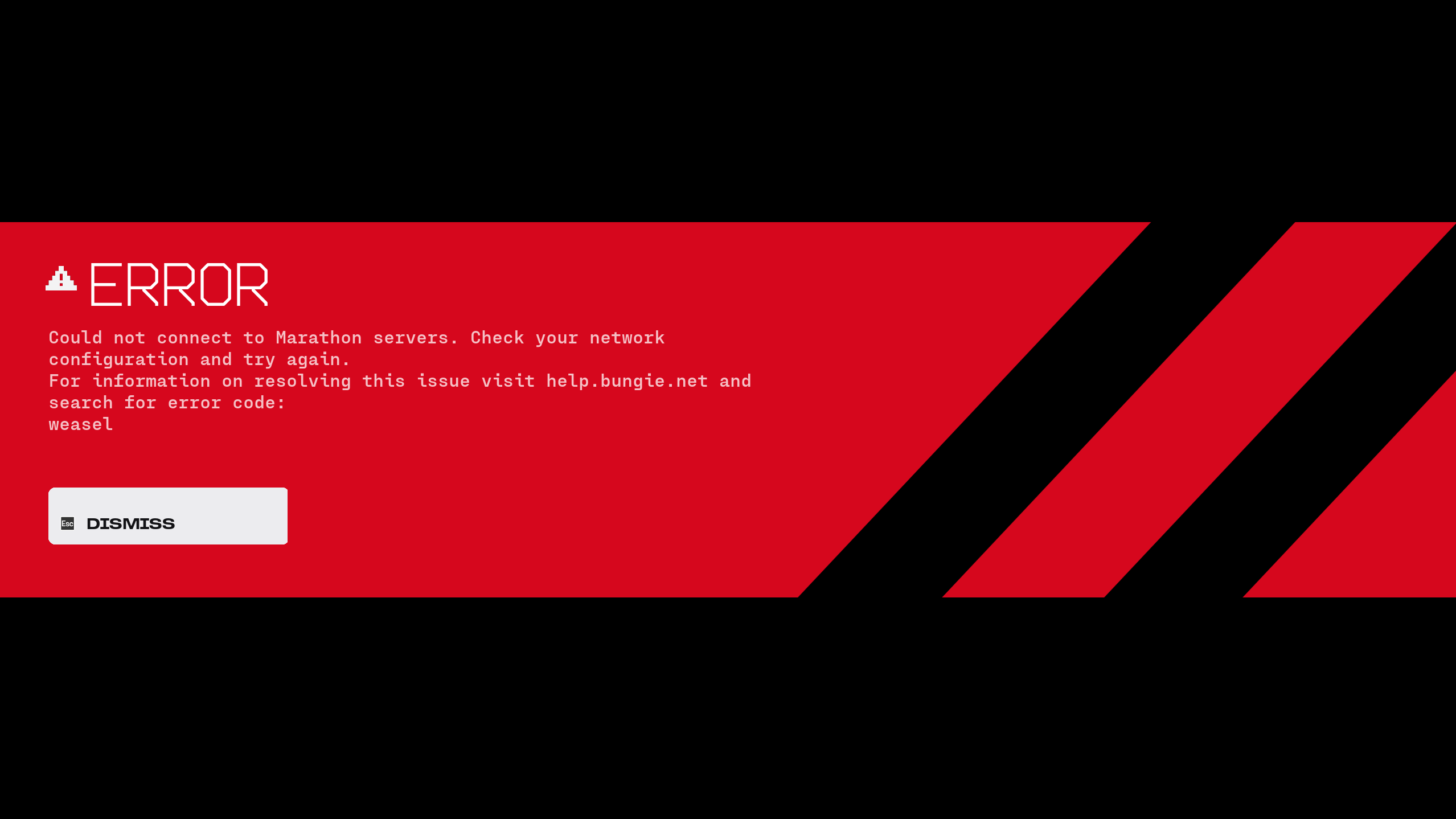
"Could not connect to Marathon servers. Check your network configuration and try again. For information on resolving this issue visit help.bungie.net and search for error code: WEASEL."
I'm the only person on my network, on PC, using a wired Ethernet connection. Every other online/multiplayer game works perfectly fine. Nothing in my setup has changed since yesterday when the game worked.
I've gone through both the Marathon Network Troubleshooting Guide and the Error Code WEASEL page and completed every step listed. Below is a full list of everything I've tried:
- Verified game files
- Forwarded all required ports (TCP and UDP)
- Reinstalled the game
- Reinstalled BattleEye
- Restarted my router (full power cycle)
- Changed DNS servers (tested 1.1.1.1 and 8.8.8.8)
- Enabled and disabled UPnP
- Closed all unnecessary background apps and downloads
- No third-party antivirus — Windows Defender only (tested with it temporarily disabled)
- Tested with a VPN (and without)
- Disabled DLSS Override in the Nvidia App
- Tried a different Steam account
- Flushed DNS cache (ipconfig /flushdns)
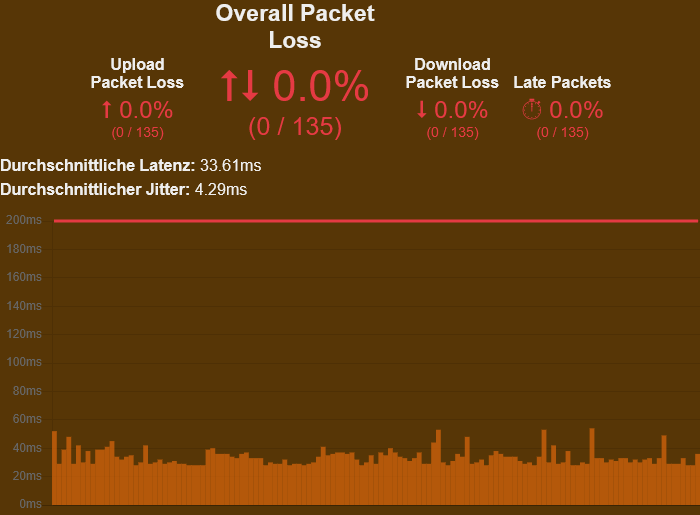
I've attached two screenshots: one showing the error message and one showing packet loss test results.
System info:
OS: Windows 11 Pro 23H2
CPU: AMD Ryzen 9 9800X3D
GPU: RTX 4080 (Driver 591.74)
RAM: 32 GB
Country: Germany
ISP: Deutsche Telekom

Comments
Please sign in to leave a comment.