Bungie Answered
Game is freezing at this loading screen.

Game is consistently freezing at this loading screen. Have to go to task manager to end it as well. Any assistance?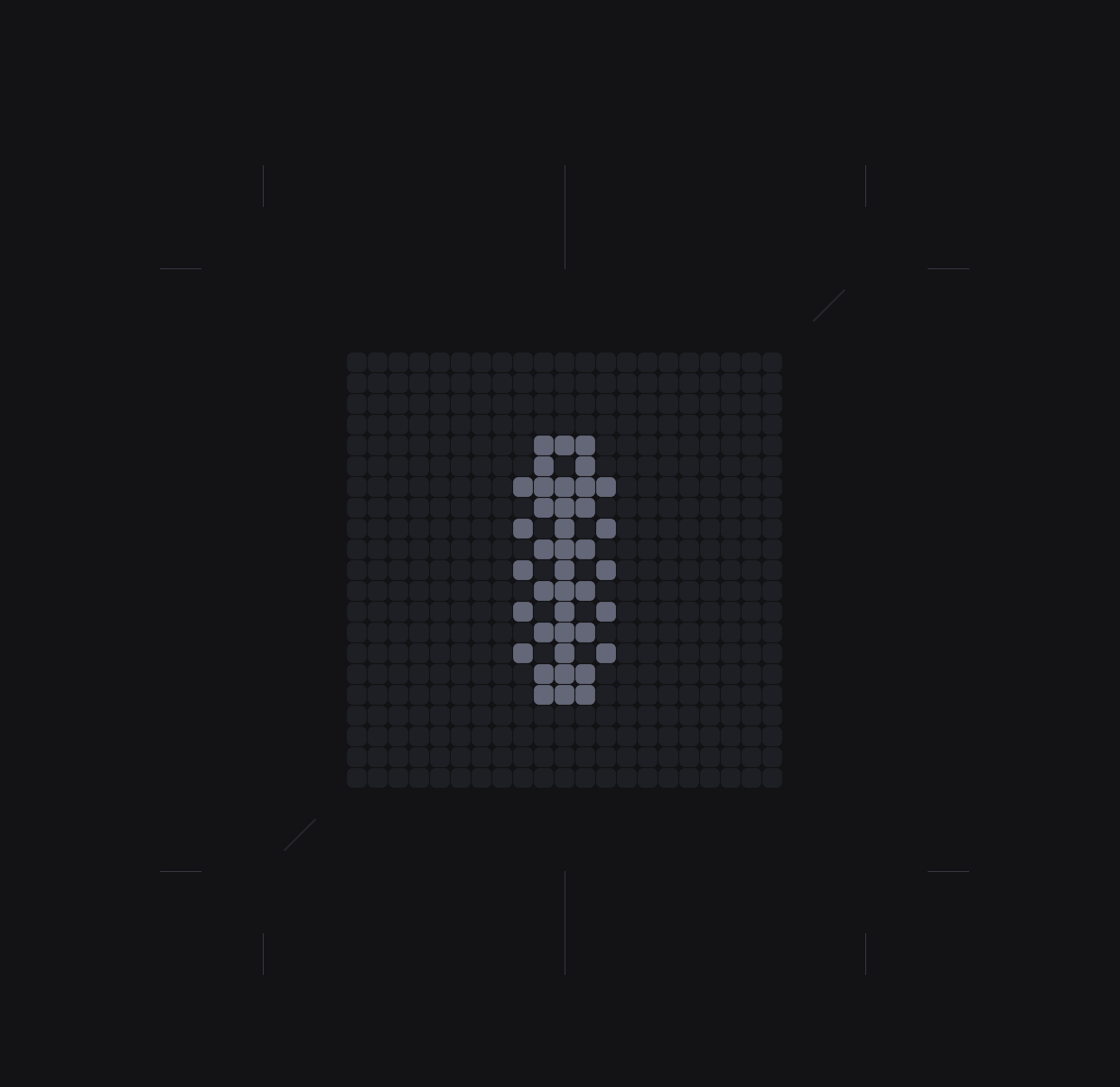
0

Kommentare
Hello there,
Thank you for reporting this issue. Please provide the following details so we can forward this to our development team.
Been having the same issue since I got the game on launch day, for whatever reason it decided to work yesterday but it’s been doing it again since last night. I’ve tried everything I can think of and nothing has made a difference if you figure it out please let us know
Yeah it did it to me on the server slam too. I got to play for two days and then it happened last night. I’ve updated everything on my pc I can find and nothing fixes it
Account name: RMiLLi#3371
Platform: Steam
Description: it gets to the screen shown above. The blocks will cycle through turning green one time and then just freeze.
Date and time: started last night and happens every time I load the game. 20+ times. Also happened on server slam.
Steps: I have updated everything I can find. Windows, bios, gpu, everything.
Bitte melden Sie sich an, um einen Kommentar zu hinterlassen.